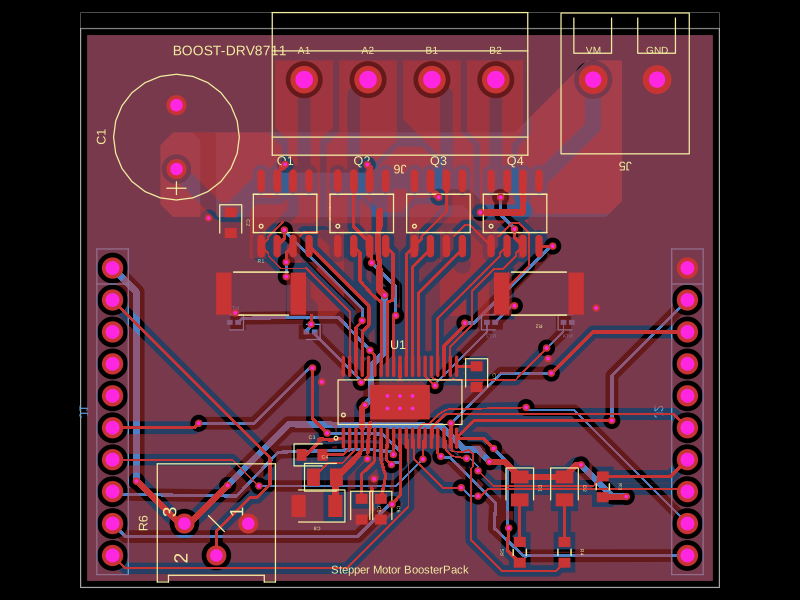
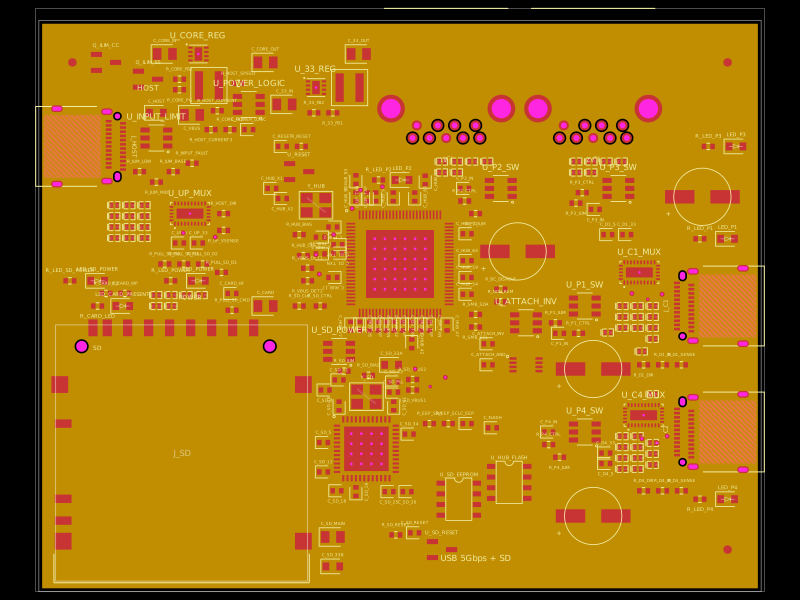
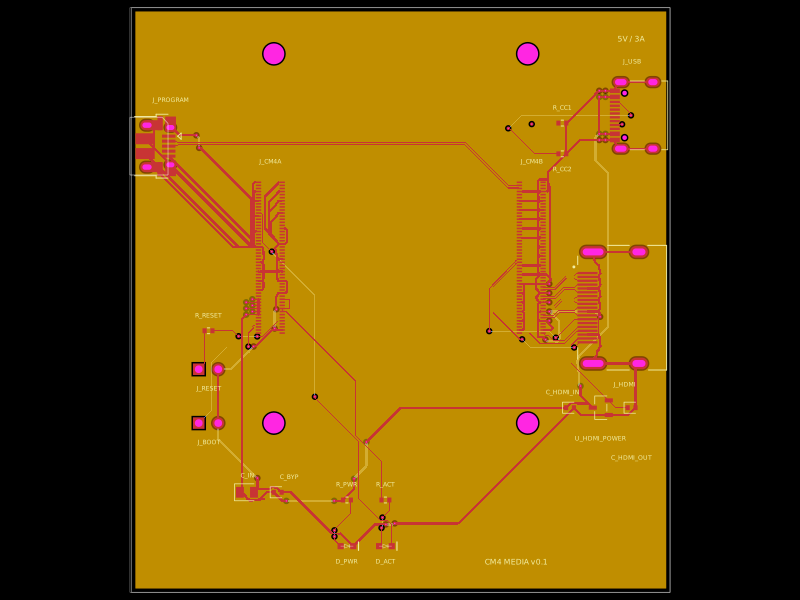
This design features a Raspberry Pi RP2040 microcontroller with integrated decoupling capacitors, QSPI flash memory, crystal oscillator, and USB power circuitry, all mounted on a 65mm by 60mm four-layer PCB.
Usage: To import and use the RP2040 component in a tscircuit project:
1. Import the component:
```tsx
import { RP2040 } from "@tsci/seveibar.minimal-rp2040"
```
2. Use the component in a board:
```tsx
<board>
<RP2040
name="U3"
pcbX={0}
pcbY={0}
connections={{
IOVDD1: "net.V3V3",
// Add other required connections
}}
/>
</board>
```
Key points:
- Specify a name for the component
- Set position using `pcbX` and `pcbY`
- Define necessary network connections in the `connections` prop
- Ensure proper power and ground connections
# minimal-rp2040 with tscircuit

This is the minimal RP2040 board from the [RP2040 Hardware Design Guide](https://pip-assets.raspberrypi.com/categories/814-rp2040/documents/RP-008279-DS-1-hardware-design-with-rp2040.pdf?disposition=inline)
made with [tscircuit](https://tscircuit.com)

The design is slightly updated to use a USB-C port.

[Download Original KiCad Files](https://datasheets.raspberrypi.com/rp2040/Minimal-KiCAD.zip)

## Original Design

This is all in the PDF, but for lazy readers here's what the original design looks like in 3D, the schematic and PCB. Please check out
the PDF if you're working on this because it has a much better breakdown of each part of the schematic.

<img width="688" height="590" alt="image" src="https://github.com/user-attachments/assets/2aa0be28-dc99-4e39-8905-064cd36d5cf2" />

<img width="1996" height="1388" alt="image" src="https://github.com/user-attachments/assets/272fed1b-cb8b-45e7-aba4-2370f0a7a872" />

<img width="1894" height="1814" alt="image" src="https://github.com/user-attachments/assets/716867d3-5302-401c-8fbb-ece92a4a574e" />