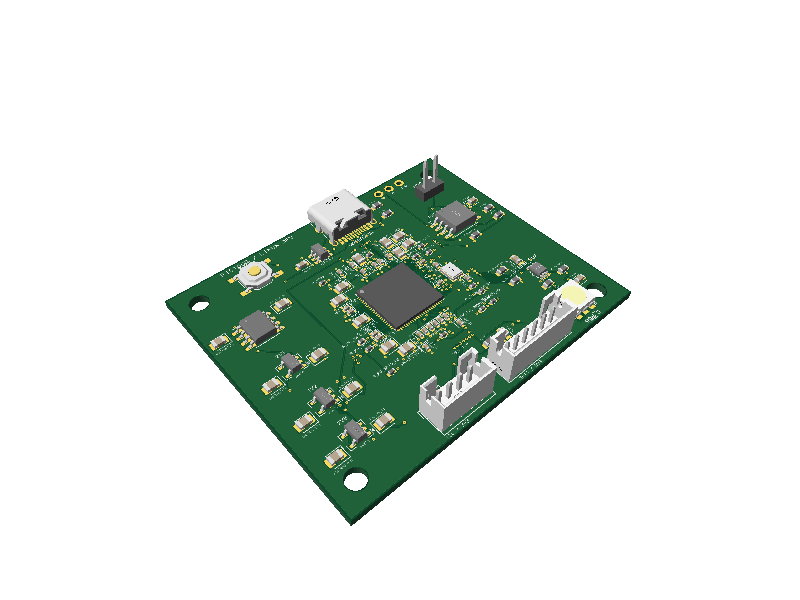
Game Boy
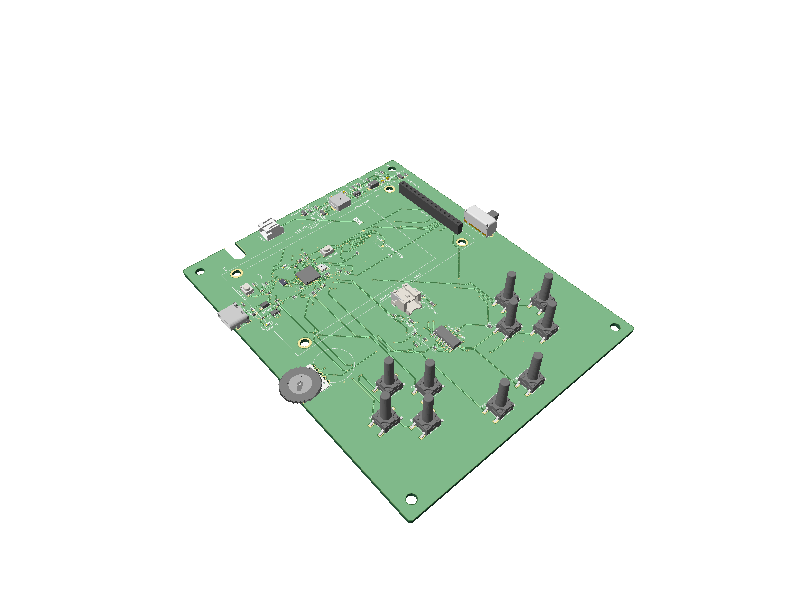
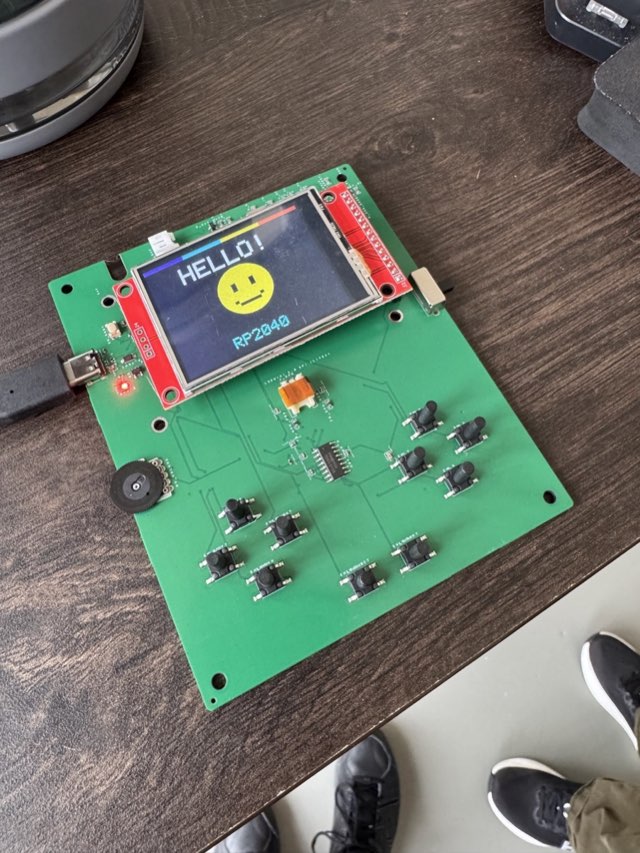
RP2040 handheld with its display running.
Build real circuit boards with any AI.
Just tell your agent to "use tscircuit"
tscircuit is a TSX framework to enable AI to build electronics.
Using tscircuit, AI achieves state-of-the-art physically-validated
electronics generation capabilities.
AI-native electronics design
Usable with any AI agent. tscircuit doesn't require any special installation- just tell your agent to "use tscircuit" and it gains the ability to create circuit boards
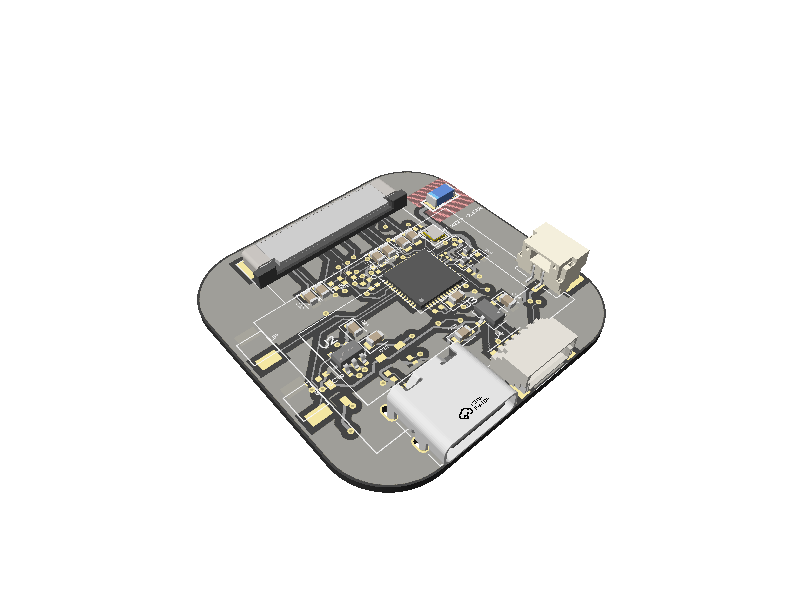
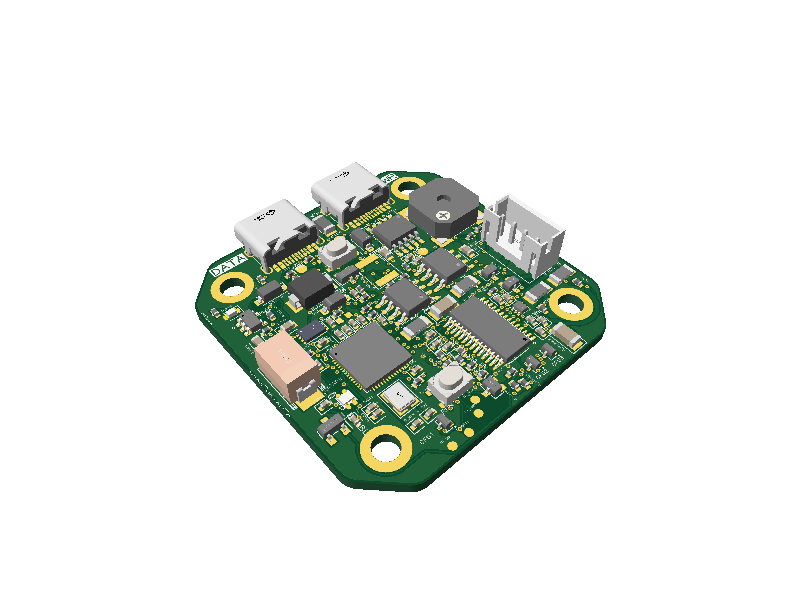
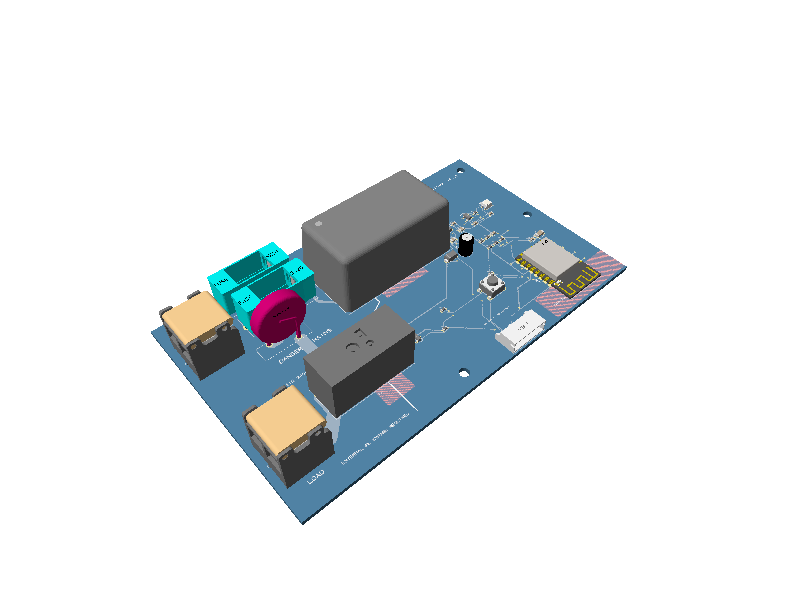
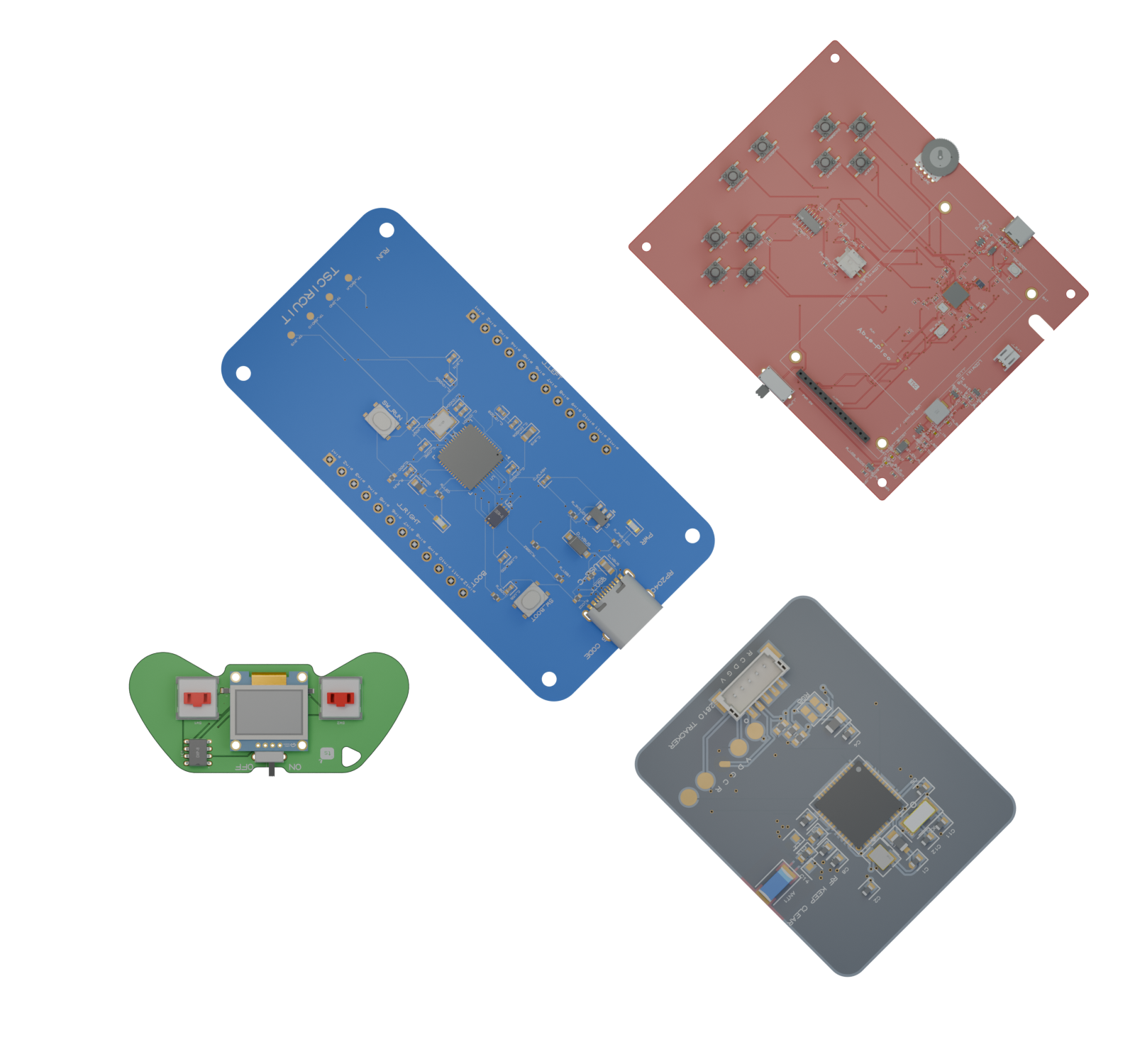
Handhelds, smart switches, Linux computers, and motor drivers. Fully designed in tscircuit with no other tooling, then exported for standard fabrication and assembly
RP2040 handheld with its display running.
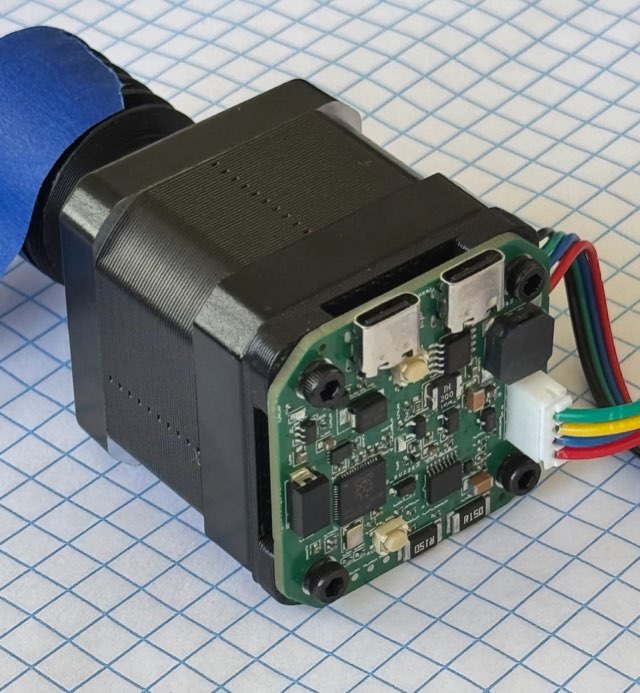
Stepper motor running on the bench.
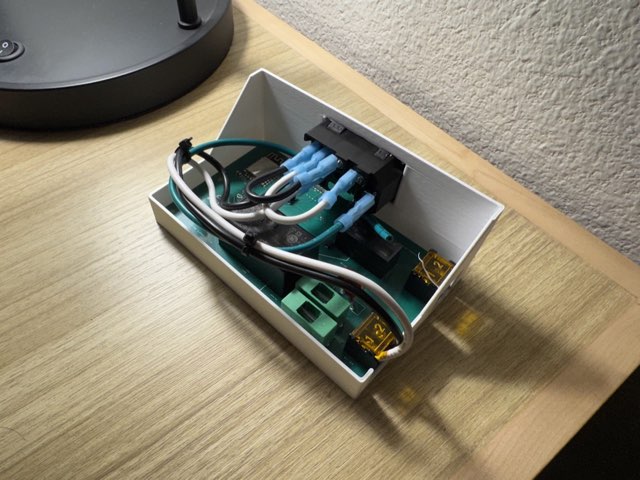
Wi-Fi relay control in a custom enclosure.
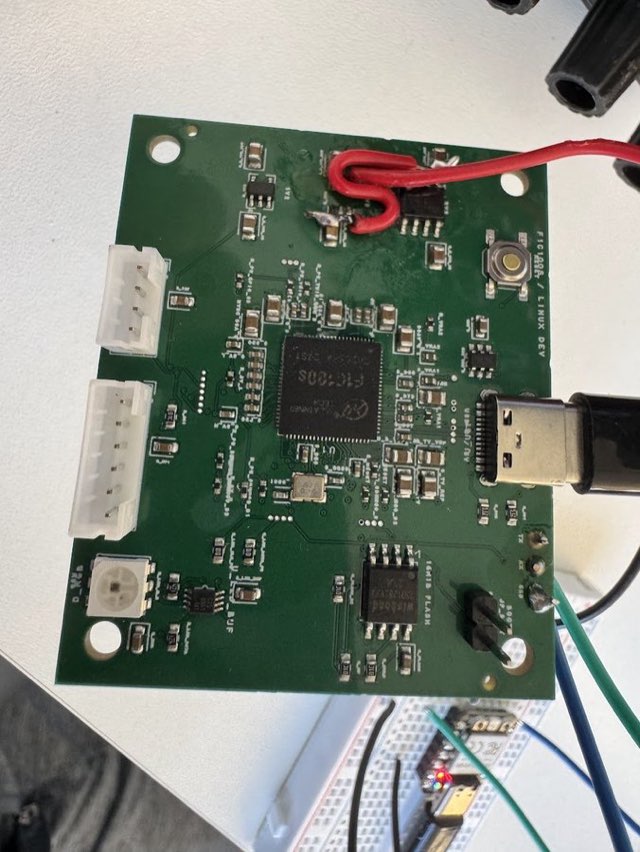
Linux running. SSH over USB.
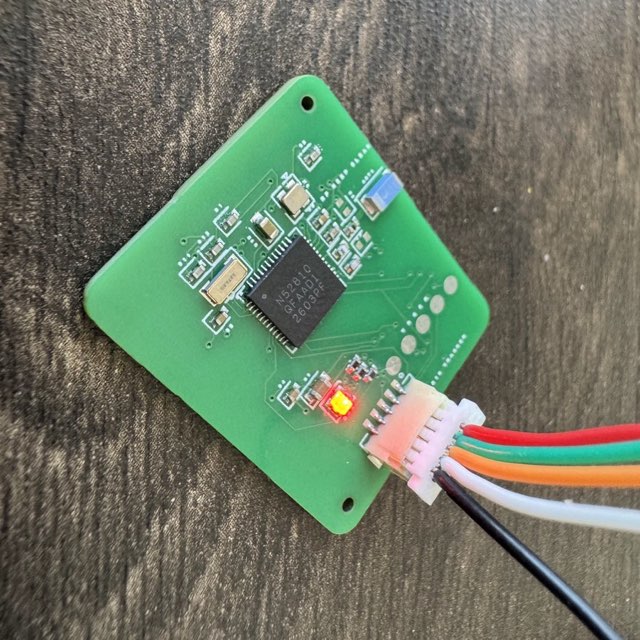
Advertising and detected on a phone.
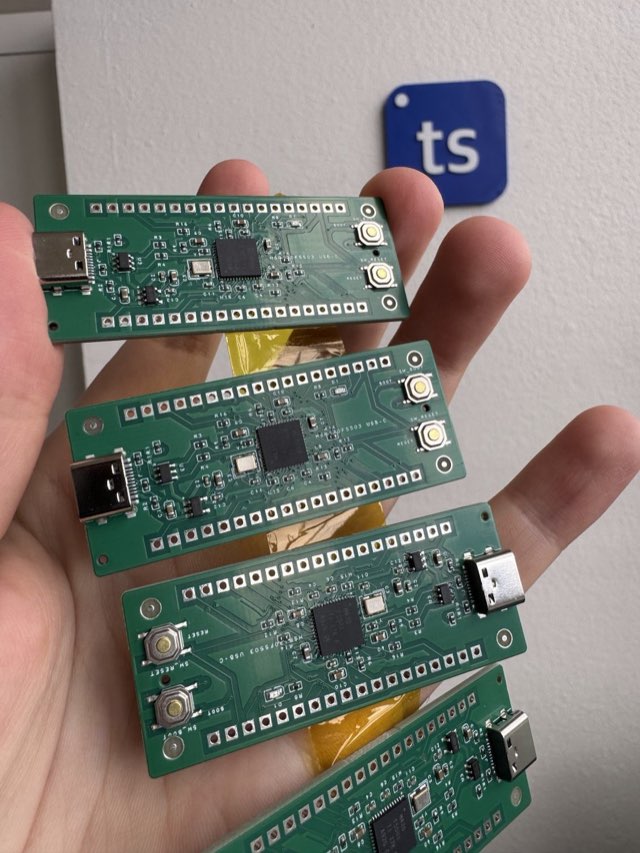
MSP430F5503 in a Pico form factor.
Compose boards the way you compose UI. Props, children, hooks — but for resistors.
export default () => (
  <board width="18mm" height="12mm">
    <resistor
      name="R1"
      resistance="1k"
      footprint="0402"
      pcbX={-4}
    />
    <led
      name="D1"
      color="red"
      footprint="0603"
      pcbX={4}
    />
    <trace from=".R1 > .pin2" to=".D1 > .anode" />
    <trace from=".D1 > .cathode" to=".R1 > .pin1" />
  </board>
)
Sub-second routing on 4-layer boards. Runs locally with LLM-compatible tweaking.
Give Claude Code, Codex, or custom agents the tscircuit skill with the CLI, syntax, workflow, and pre-fab context they need to make useful changes.
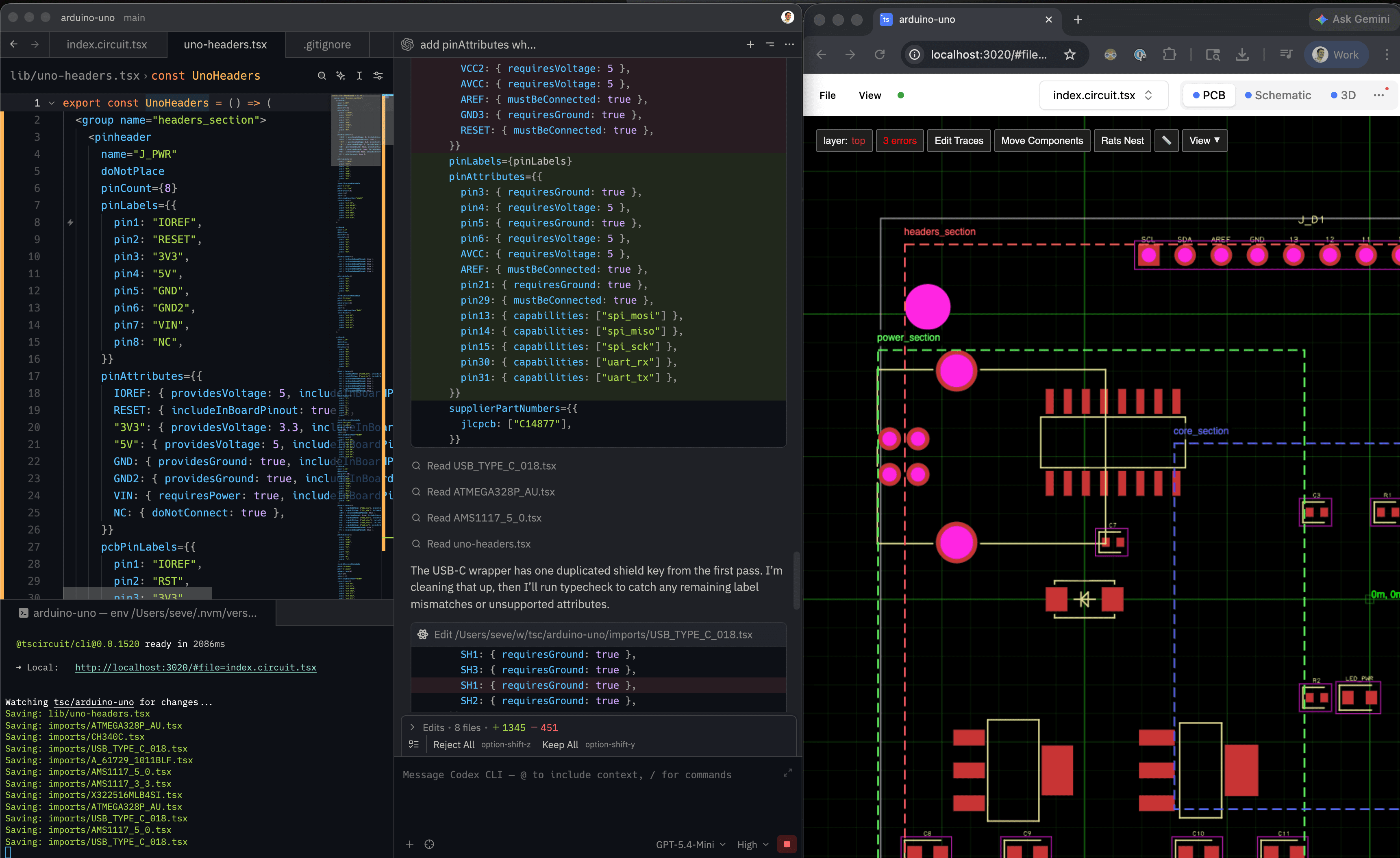
Download PCB, schematic, and assembly images plus fabrication files, KiCad, DSN, JSON, and netlists from the same board source.
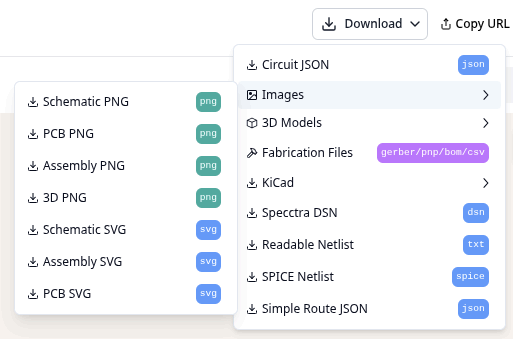
All the capabilities of version control tool works natively with tscircuit. Approvals, comments, rollback.
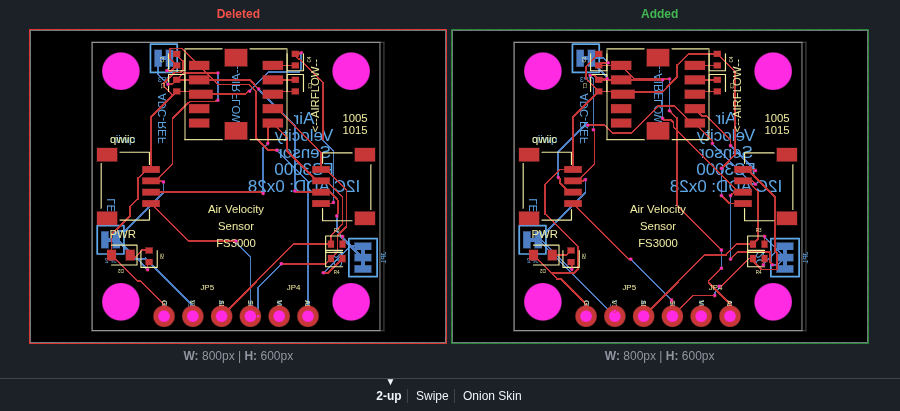
Open source under MIT. Explore the tscircuit GitHub org, fork what you need, and build on top of it.
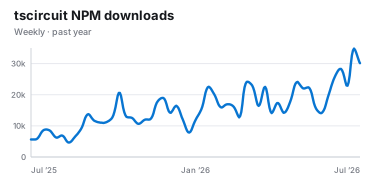
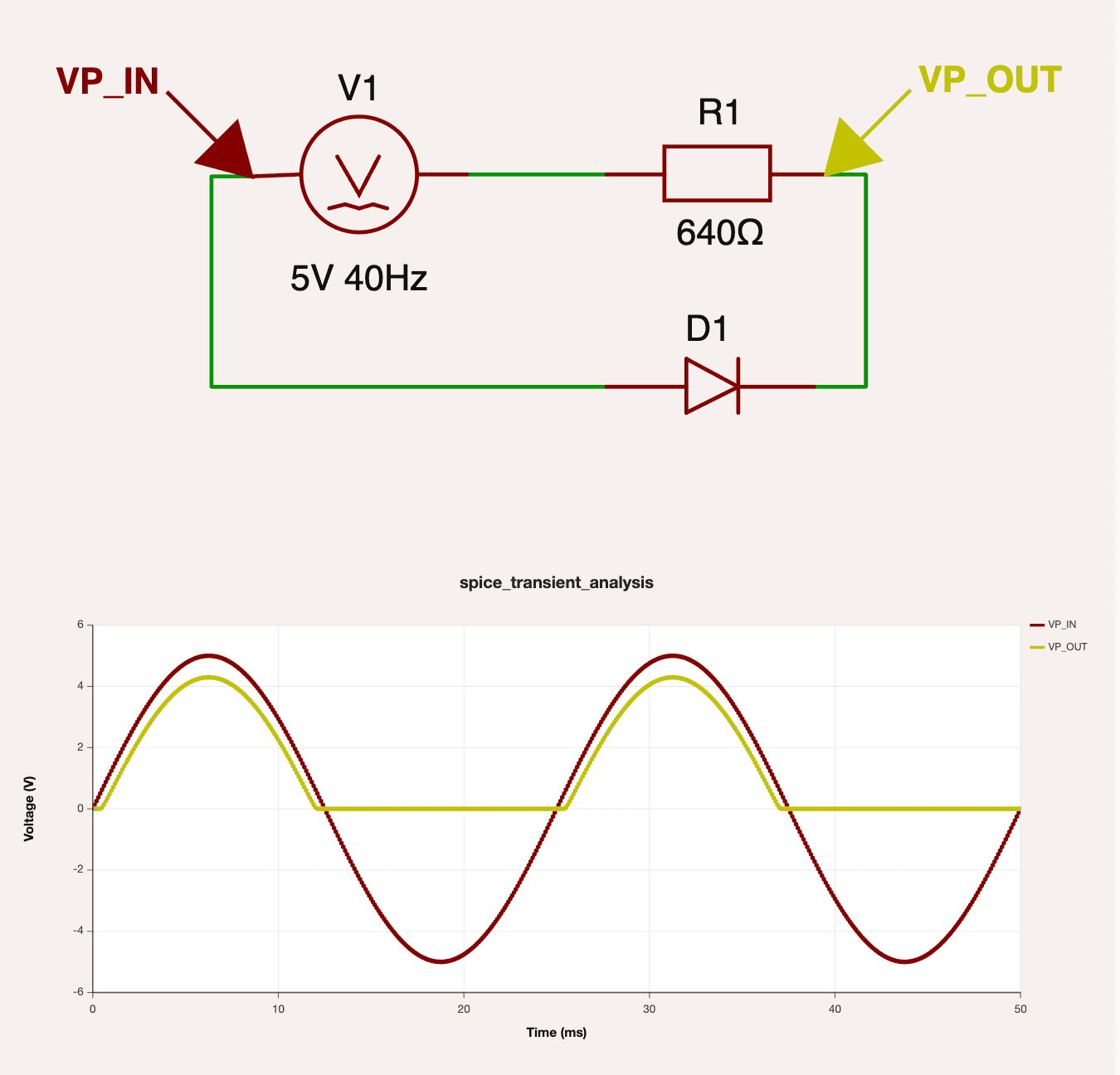
Run analog simulations with tsci simulate on the command line or in the browser, backed by WebAssembly ngspice.
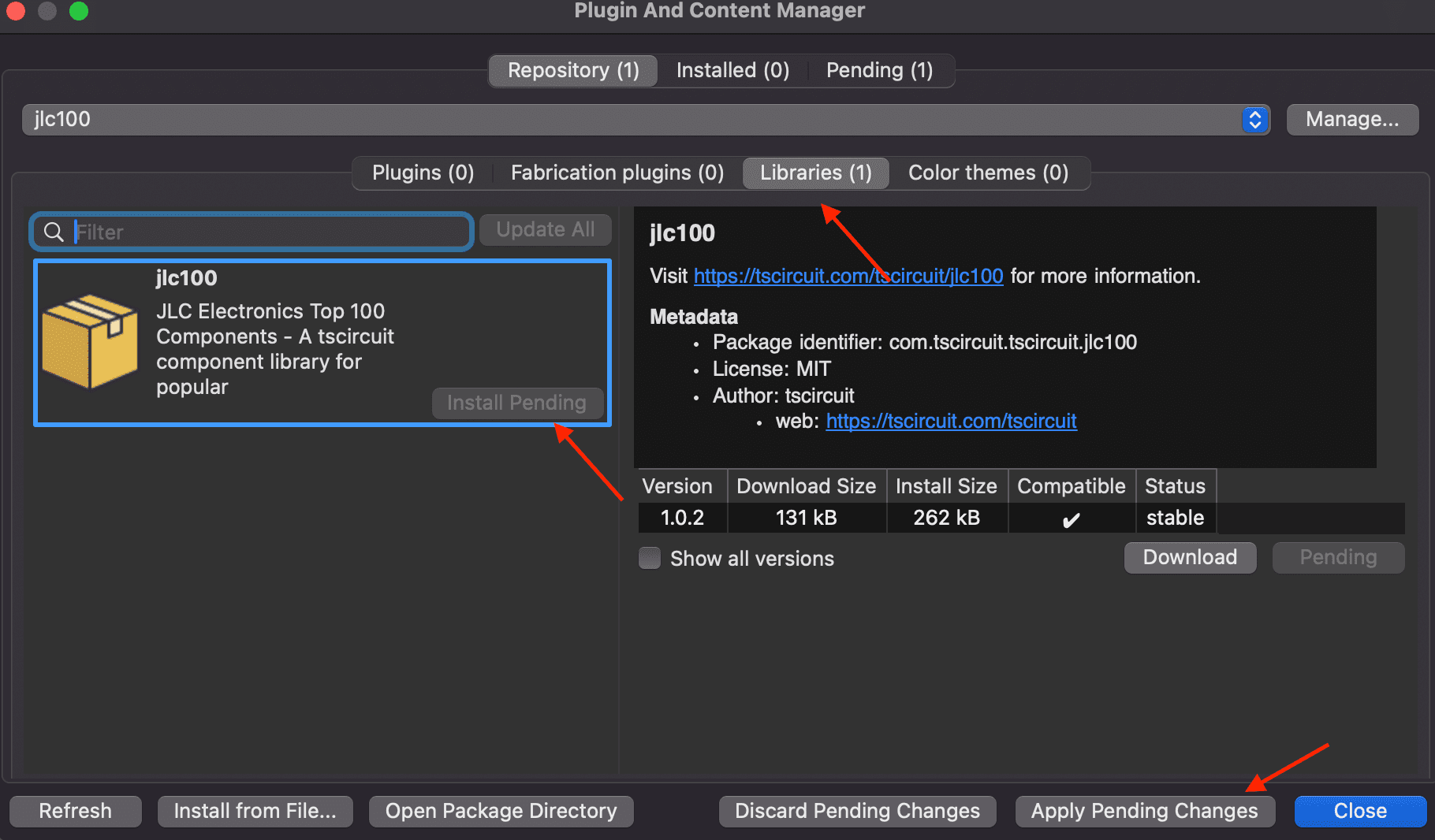
Import and export your library anywhere. Import KiCad files natively. Import your tscircuit packages directly into KiCad with native KiCad PCM support.
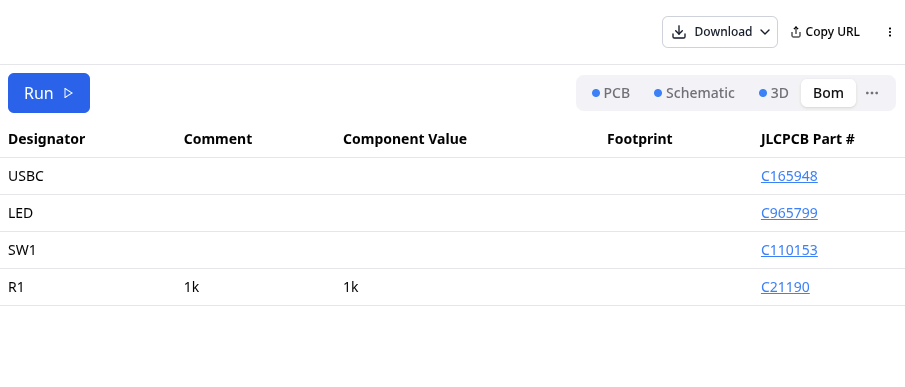
Specify parts without part numbers. Bill of materials automatically generated based on realtime availability from supplier integrations.
Every save re-renders the schematic, PCB, and 3D view — the same loop you have with Next.js or Vite, but for hardware. No IDE to install, no toolchain to babysit. 50+ reference boards ready to fork.
Open playground →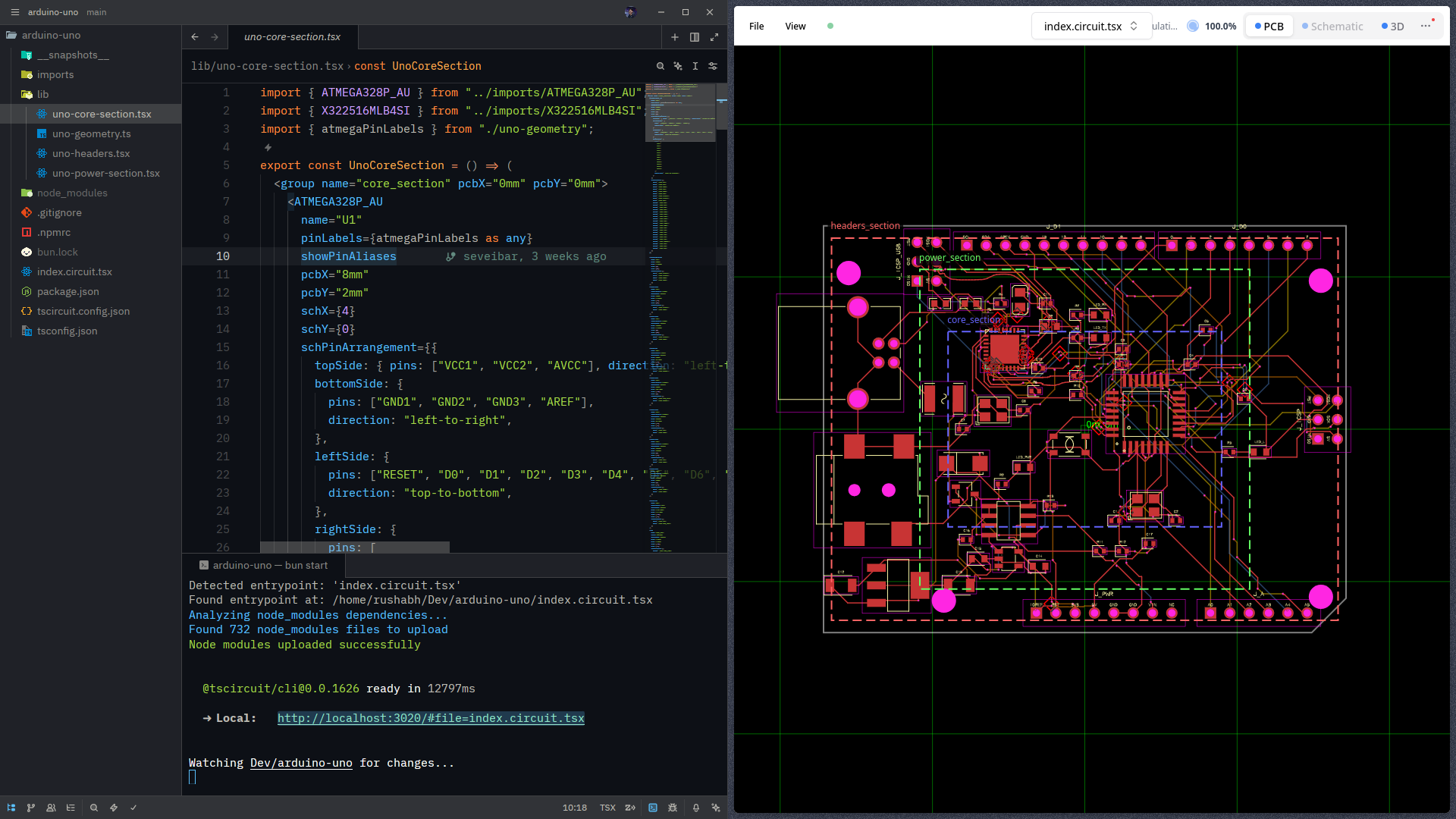
A quick pass over licensing, workflows, imports, and the API surface.
You can use tscircuit for commercial purposes. tscircuit is under the same permissive MIT license as Node.js, React, and thousands of other popular projects you are likely already using!
tscircuit has some support for importing designs from other software, but it's not yet fully featured. You should file an issue on our GitHub if you'd like to see a specific format supported.
Yes, you can use tscircuit locally using the tscircuit CLI, but we recommend starting with the web-based application for simplicity.
tscircuit always renders both a schematic and PCB. Unlike traditional EDA where the schematic capture and PCB layout are separate processes, tscircuit combines them by allowing a user to specify constraints and automations. This means that you can design a schematic and then immediately see a PCB layout or vice versa.
tscircuit is a React/TypeScript framework for designing electronic circuits programmatically.
Instead of using traditional graphical interfaces, you write code to define components, their connections, and layout constraints. This "electronics design as code" approach unlocks powerful capabilities like reusable packages, continuous automation, parameterization, and integration with modern software development workflows like version control with Git.
While the core of tscircuit is the framework, the term "tscircuit" often refers to the broader ecosystem built around it. This includes:
tscircuit is a modern, web-first approach to hardware development. To learn more about the core concepts and architecture, visit the official documentation.
Yes, you can use tscircuit programmatically with these packages:
tscircuit code builds into Circuit JSON, you can then use the
CircuitJsonViewer component inside @tscircuit/runframe to display the Circuit JSON on
your website as a schematic, PCB, or 3D view.
Circuit JSON is a JSON format for representing electronic circuits. It is a sort of assembly language for electronic circuits. All tscircuit designs are compiled to Circuit JSON as the intermediary format.
Open the playground, preview instantly, and move into the CLI and registry when you want repeatable workflows and shared components.
Remote-friendly. Work on the stuff you wish existed when you were at your last hardware job.