seveibar/minimal-rp2040
This design features a Raspberry Pi RP2040 microcontroller with integrated decoupling capacitors, QSPI flash memory, crystal oscillator, and USB power circuitry, all mounted on a 65mm by 60mm four-layer PCB.
Usage: To import and use the RP2040 component in a tscircuit project: 1. Import the component: ```tsx import { RP2040 } from "@tsci/seveibar.minimal-rp2040" ``` 2. Use the component in a board: ```tsx <board> <RP2040 name="U3" pcbX={0} pcbY={0} connections={{ IOVDD1: "net.V3V3", // Add other required connections }} /> </board> ``` Key points: - Specify a name for the component - Set position using `pcbX` and `pcbY` - Define necessary network connections in the `connections` prop - Ensure proper power and ground connections
- Version
- 1.0.1
- License
- unset
- Stars
- 1
lib/thirdparty/I2CDisplayHeader4.tsx
// I2CDisplayHeader4.tsx

export type I2CDisplayHeader4Props = {
  name: string
  pcbX?: number | string
  pcbY?: number | string
  pcbRotation?: number | string
  connections?: Partial<{
    GND: string
    VCC: string
    SCL: string
    SDA: string
  }>
}

/**
 * 4-pin 0.1" (2.54mm) through-hole header:
 * [1] GND, [2] VCC, [3] SCL, [4] SDA   (left -> right)
 */
export const I2CDisplayHeader4 = ({
  name,
  pcbX,
  pcbY,
  pcbRotation,
  connections,
}: I2CDisplayHeader4Props) => {
  // 4 pins on 2.54mm pitch, centered around origin:
  // x = -3.81, -1.27, +1.27, +3.81  (i.e. ±1.5P and ±0.5P)
  const P = 2.54
  const xs = [-1.5 * P, -0.5 * P, 0.5 * P, 1.5 * P]

  return (
    <chip
      name={name}
      pcbX={pcbX}
      pcbY={pcbY}
      pcbRotation={pcbRotation}
      connections={connections}
      pinLabels={{
        pin1: "GND",
        pin2: "VCC",
        pin3: "SCL",
        pin4: "SDA",
      }}
      footprint={
        <footprint>
          {xs.map((x, i) => (
            <platedhole
              key={i}
              portHints={[String(i + 1)]}
              pcbX={x}
              pcbY={0}
              holeDiameter="1.0mm"
              outerDiameter="1.8mm"
              shape="circle"
            />
          ))}
          <hole pcbX={-10} pcbY={-0.5} diameter="3.2mm" />
          <hole pcbX={10} pcbY={-0.5} diameter="3.2mm" />
          <hole pcbX={-10} pcbY={-23.3} diameter="3.2mm" />
          <hole pcbX={10} pcbY={-23.3} diameter="3.2mm" />
        </footprint>
      }
    />
  )
}
Related Packages
 More from this authortscircuit/autorouting-dataset-01This code manages the hardware and electronic components for circuit design and PCB layout, defining components like resistors, capacitors, transistors, connectors, and footprints, and providing tools for component placement, PCB topology, and electrical connections.
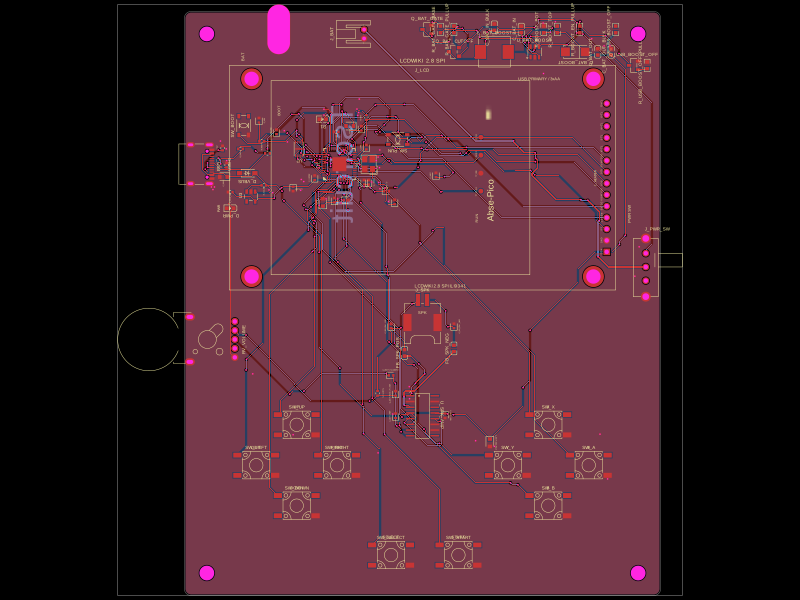 Similar packageabse/gameboyThis code defines the hardware mapping and schematic connections for a Raspberry Pi Pico-based development board featuring RP2040 microcontroller, USB-C connector, various power regulation components, decoupling capacitors, resistors, LEDs, headers, and supporting passive components for signal integrity and debugging.
 Discover something newimrishabh18/fitness_watchThis circuit integrates an ESP-12E microcontroller with various sensors, relays, and power management components, including an AO3400A transistor for switching loads, to enable wireless control and sensing functions.