seveibar/minimal-rp2040
This design features a Raspberry Pi RP2040 microcontroller with integrated decoupling capacitors, QSPI flash memory, crystal oscillator, and USB power circuitry, all mounted on a 65mm by 60mm four-layer PCB.
Usage: To import and use the RP2040 component in a tscircuit project: 1. Import the component: ```tsx import { RP2040 } from "@tsci/seveibar.minimal-rp2040" ``` 2. Use the component in a board: ```tsx <board> <RP2040 name="U3" pcbX={0} pcbY={0} connections={{ IOVDD1: "net.V3V3", // Add other required connections }} /> </board> ``` Key points: - Specify a name for the component - Set position using `pcbX` and `pcbY` - Define necessary network connections in the `connections` prop - Ensure proper power and ground connections
- Version
- 1.0.1
- License
- unset
- Stars
- 1
imports/TactileButton12x12.tsx
// 12x12mm Tactile Push Button Switch (Through-Hole)
// Standard 4-pin momentary tactile switch

import type { ChipProps } from "@tscircuit/props"

const pinLabels = {
  pin1: ["pin1", "A1"],
  pin2: ["pin2", "A2"],
  pin3: ["pin3", "B1"],
  pin4: ["pin4", "B2"],
} as const

export type TactileButton12x12Props = ChipProps<typeof pinLabels>

/**
 * 12x12mm Tactile Push Button Switch
 *
 * Standard 4-pin through-hole momentary switch
 * Body dimensions: 12mm x 12mm x ~4.3mm height (varies)
 * Button height: typically 7-8mm total
 *
 * Internal connections:
 * - Pin 1 and Pin 2 are connected (side A)
 * - Pin 3 and Pin 4 are connected (side B)
 * - When pressed, A connects to B
 *
 * Pin layout (top view, button facing up):
 *        +-------+
 *   1 o--|       |--o 2
 *        |  [=]  |
 *   3 o--|       |--o 4
 *        +-------+
 *
 * Typical usage: Connect one side (1 or 2) to GPIO with pull-up/down
 *               Connect other side (3 or 4) to GND or VCC
 */
export const TactileButton12x12 = (props: TactileButton12x12Props) => {
  // Standard 12x12mm tactile switch pin spacing
  // Pins are located near the outside edges of the 12mm body
  // Horizontal spacing: ~6.5mm between pins on same side
  // Vertical spacing: ~9.5mm between opposite sides
  const pinSpacingX = 6.5 / 2 // half spacing between pins on same side (left-right)
  const pinSpacingY = 9.5 / 2 // half spacing between opposite sides (top-bottom)

  // Button body dimensions
  const bodyWidth = 12
  const bodyHeight = 12

  return (
    <chip
      pinLabels={pinLabels}
      manufacturerPartNumber="TS-12x12"
      footprint={
        <footprint>
          {/* Pin 1 - Top Left */}
          <platedhole
            portHints={["1"]}
            pcbX={-pinSpacingX}
            pcbY={pinSpacingY}
            holeDiameter="1.0mm"
            outerDiameter="1.8mm"
            shape="circle"
          />

          {/* Pin 2 - Top Right */}
          <platedhole
            portHints={["2"]}
            pcbX={pinSpacingX}
            pcbY={pinSpacingY}
            holeDiameter="1.0mm"
            outerDiameter="1.8mm"
            shape="circle"
          />

          {/* Pin 3 - Bottom Left */}
          <platedhole
            portHints={["3"]}
            pcbX={-pinSpacingX}
            pcbY={-pinSpacingY}
            holeDiameter="1.0mm"
            outerDiameter="1.8mm"
            shape="circle"
          />

          {/* Pin 4 - Bottom Right */}
          <platedhole
            portHints={["4"]}
            pcbX={pinSpacingX}
            pcbY={-pinSpacingY}
            holeDiameter="1.0mm"
            outerDiameter="1.8mm"
            shape="circle"
          />

          {/* Silkscreen outline */}
          <silkscreenpath
            route={[
              { x: -bodyWidth / 2, y: bodyHeight / 2 },
              { x: bodyWidth / 2, y: bodyHeight / 2 },
            ]}
          />
          <silkscreenpath
            route={[
              { x: bodyWidth / 2, y: bodyHeight / 2 },
              { x: bodyWidth / 2, y: -bodyHeight / 2 },
            ]}
          />
          <silkscreenpath
            route={[
              { x: bodyWidth / 2, y: -bodyHeight / 2 },
              { x: -bodyWidth / 2, y: -bodyHeight / 2 },
            ]}
          />
          <silkscreenpath
            route={[
              { x: -bodyWidth / 2, y: -bodyHeight / 2 },
              { x: -bodyWidth / 2, y: bodyHeight / 2 },
            ]}
          />

          {/* Button circle indicator (center) */}
          <silkscreenpath
            route={[
              { x: -3, y: 0 },
              { x: -2.1, y: 2.1 },
              { x: 0, y: 3 },
              { x: 2.1, y: 2.1 },
              { x: 3, y: 0 },
              { x: 2.1, y: -2.1 },
              { x: 0, y: -3 },
              { x: -2.1, y: -2.1 },
              { x: -3, y: 0 },
            ]}
          />

          {/* Pin 1 indicator */}
          <silkscreenpath
            route={[
              { x: -bodyWidth / 2 + 1, y: bodyHeight / 2 - 1 },
              { x: -bodyWidth / 2 + 2, y: bodyHeight / 2 - 1 },
              { x: -bodyWidth / 2 + 2, y: bodyHeight / 2 - 2 },
            ]}
          />
        </footprint>
      }
      {...props}
    />
  )
}
Related Packages
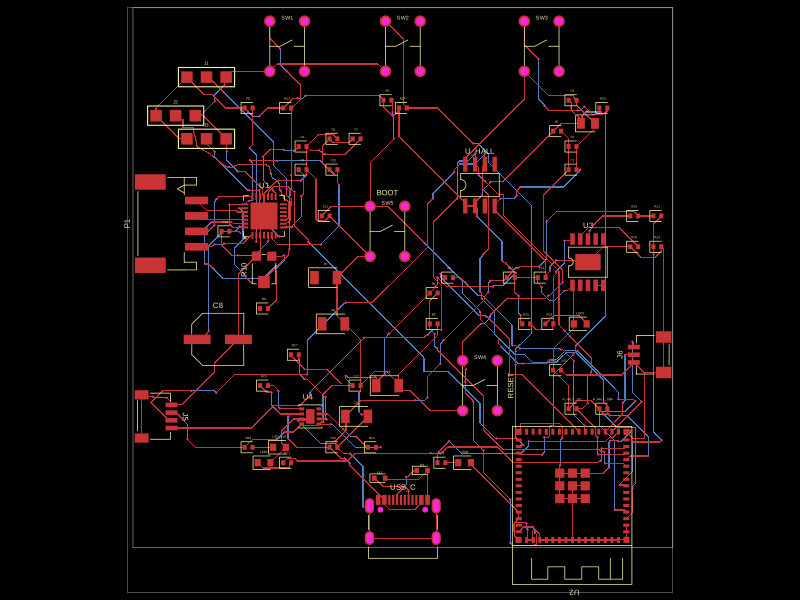 More from this authortscircuit/motor-controllerThis code defines a compact hardware layout with multiple integrated components such as microcontrollers, power regulators, sensors, connectors, and passive elements, all arranged on a PCB for a versatile electronic device.
 Similar packageseveibar/schematic-example01This circuit diagram depicts a Raspberry Pi Pico (RP2040) microcontroller with multiple GPIO, power regulation, crystal oscillator, external flash memory, USB interface, and peripheral connections including LEDs, push buttons, connectors, and optional NeoPixel, integrated on a custom PCB.
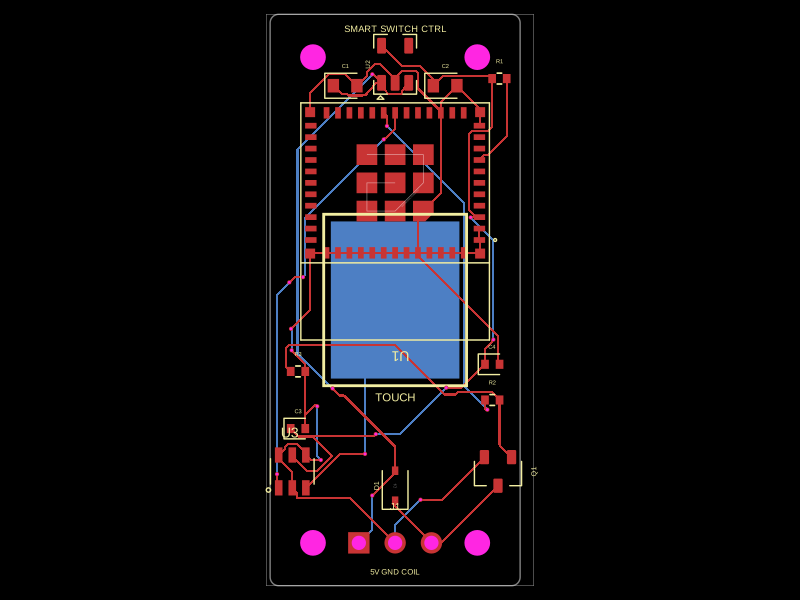 Discover something newhrithik18k/smart-switch-pcbThe AO3400A component models a SOT-23 N-channel MOSFET with labeled pins for Gate, Source, and Drain, including 3D CAD models and schematic symbols for electronic circuit design.