gokul/usb3-sd-hub
Engineering draft: four-layer, computer-powered USB 3 hub with one USB-C host socket, two USB-C and two USB-A accessory sockets, and a full-size SD slot. Board and three schematic previews are available. Routing and production checks are incomplete; not fabrication ready.
- Version
- 0.1.5
- License
- MIT
- Stars
- 0
cad/README.md
# Mechanical review CAD

**Engineering draft. These files do not authorize fabrication.**

- `board-mechanical.step`: PCB solid with the circular and slotted holes present in the partial-routing snapshot.
- `assembly-mechanical-draft.step.zip`: PCB and all 229 assembly component bodies, with named component instances.
- `board-outline-and-drills.dxf`: millimetre board outline and separate NPTH/PTH/via layers. Slot arcs are retained.
- `cad-check.json`: exact source snapshot SHA-256, included/omitted components, body bounds and successful STEP re-import validity checks.
- `export-board.py`: editable CadQuery 2.6.1 / ezdxf export script.

The board-centre XY datum is (0,0), the board mid-plane is z=0 and the top surface is z=+0.8 mm. Connector bodies can overhang the 86 × 68 mm outline; solder tails can extend below the PCB. Use the CAD bounds rather than treating the board outline as the whole product envelope.

The USB and SD socket solids are independently authored nominal models from the manufacturer drawings. They show shells, mouths, contacts/tails and major polymer bodies, omitting detailed springs and tolerances. The restricted Hirose downloadable STEP is not included or used to generate this model. Standard passive packages use nominal envelopes. Existing supplier models referenced by the circuit are included for imported parts; their alignment and exact-part correspondence still need qualification.

The native populated-board GLB is `../verification/partial-routing.glb`. STEP validity establishes valid CAD solids, not a qualified fit or functional hub. Copper, solder and the unfinished connections are not represented as mechanical solids.

To rebuild, install CadQuery 2.6.1 and ezdxf in a separate Python environment and run `python export-board.py ../verification/partial-routing.circuit.json .`. For the existing supplier STEP models, set `USB_HUB_SUPPLIER_CAD_DIR` to a local directory containing the model files listed in `supplier-model-sources.json`. Without those files the exporter reports omitted supplier components rather than inventing their geometry.

Drawing references: [Amphenol USB-C](https://cdn.amphenol-cs.com/media/wysiwyg/files/drawing/c12401610_c.pdf), [Amphenol USB-A](https://cdn.amphenol-cs.com/media/wysiwyg/files/drawing/gsb3111xxxhr.pdf), [Hirose SD socket](https://www.hirose.com/en/product/p/CL0609-0004-8-82).

The assembly STEP download is zipped to fit the registry upload limit. Extract the ZIP to obtain the unchanged, editable STEP file. The export script writes the uncompressed STEP.
Related Packages
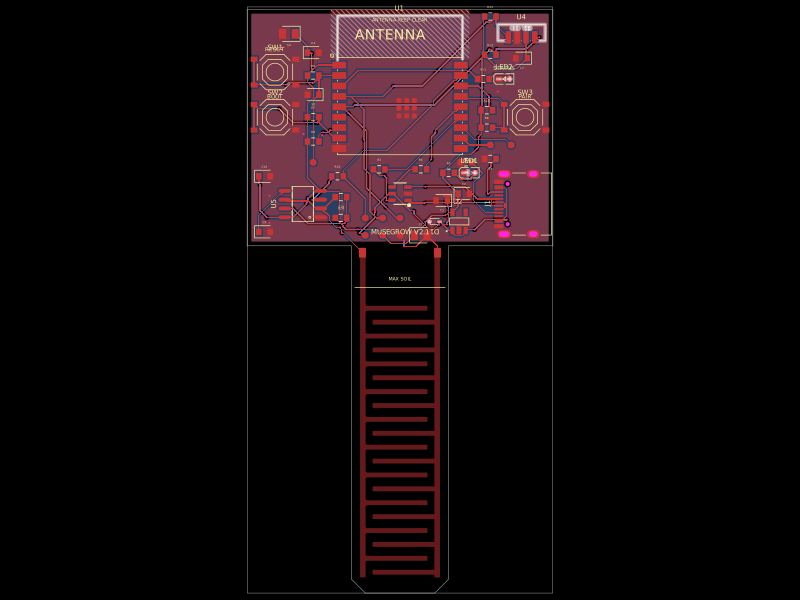 More from this authorgokul/musegrowUSB‑C powered ESP32‑C3 controller board with regulated 3.3 V supply, USB ESD protection, buttons/status LEDs, ambient-light I²C sensing, and a 555-driven capacitive soil-moisture electrode.
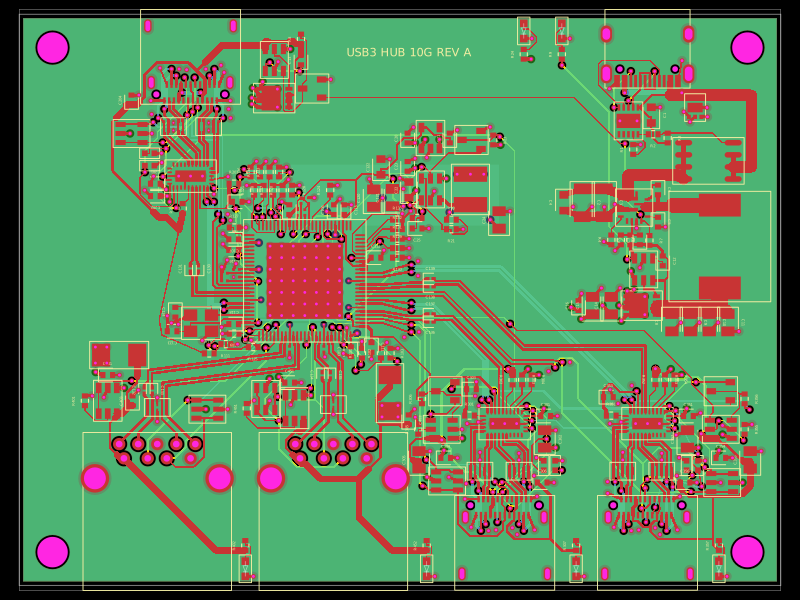 Similar packagepixalynx/usb3-hub-10gA USB 3.2 Gen 2 six-port hub board with USB-C PD power input, regulated 5 V/3.3 V/1.15 V rails, one upstream and four protected downstream USB-A/USB-C ports, SuperSpeed muxes, ESD protection, and controlled port power.
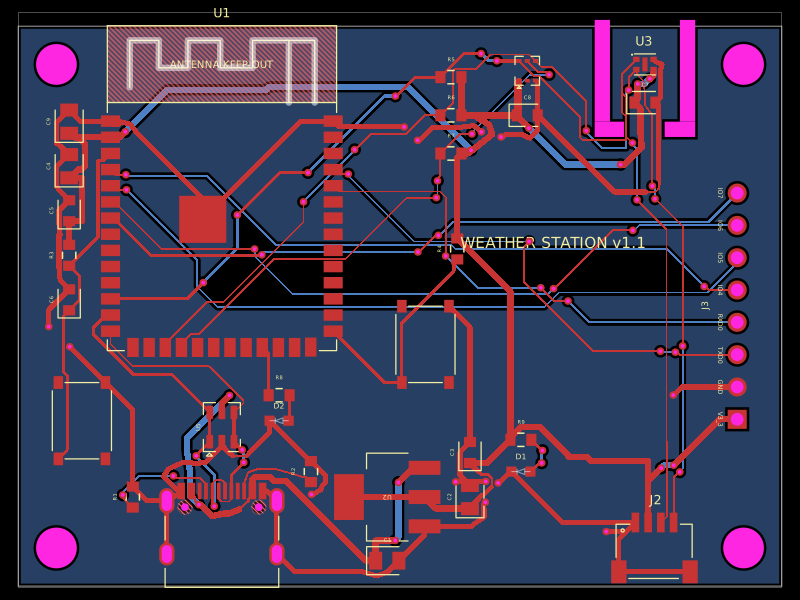 Discover something newolivergrabinski/tscircuit-weatherA 60×44 mm ESP32-S3 Wi‑Fi/BLE weather-station PCB with USB‑C power, 3.3 V regulation and ESD protection, temperature/humidity and UV/light sensors, status LEDs, buttons, Qwiic I²C expansion, debug GPIO header, and a printable enclosure.