gokul/macro-six-usbc
USB-powered ATmega32U4 controller board with protected/switched 5 V power, six tactile keys, rotary encoder, reset/boot/ISP interfaces, power LED, and six daisy-chained SK6812 RGB LEDs driven through MOSFETs.
- Version
- 0.1.6
- License
- MIT
- Stars
- 0
enclosure/README.md
# Macro Six open assembly

The default package view shows the base and exposed switch-support plate, four M3 × 10 mm pan-head screws, a power-slider extension, and guided Reset/Boot plungers. The PCB is unchanged. This open assembly is not sealed.

The keycap references have rounded shoulders, dished tops, hollow skirts and numbered legends. Keys 1–5 are warm ivory; key 6 is teal. The rotary knob has a charcoal fluted grip, a metallic top inset and a teal indicator. The support plate, base, fasteners and small control extensions retain their existing geometry and colors.

## CAD and printing

- `exports/open-assembly.step`: mechanical assembly with the base, PCB reference, support plate, screws, five control-extension pieces, reference keycaps and reference knob. Electronic component bodies are shown in the tscircuit 3D view; the STEP uses the PCB reference.
- `exports/bottom.step` / `bottom.stl`: original bottom tray.
- `exports/open-plate.step` / `open-plate.stl`: plate with four integral PCB spacers and two plunger guide holes. The STL is already upside down for printing on its broad top face.
- `exports/reset-stem.stl`, `reset-cap.stl`, `boot-stem.stl`, `boot-cap.stl`: two-piece captive pushbutton extensions. Each STL is centered on the print bed; cap tops face down and stems stand upright.
- `exports/power-slider-extension.stl`: side-loading socket and thumb paddle for the existing slide-switch actuator. Print in a material suitable for the flexible jaws, such as PETG, and qualify retention before use.
- Matching STEP files retain assembly coordinates. Screws are purchased hardware represented by nominal CAD; they are not printable parts. Confirm the actual screw head and length before purchasing.
- `exports/keycaps-reference.step` and `exports/knob-reference.step`: the styled reference shapes, including nominal MX sockets and encoder clearance bores. These are appearance and clearance references, not qualified replacement parts. Their sockets and retention require physical testing before manufacture.

## Assembly

1. Prepare the four blind M3 base pilots with an appropriate tap or compatible plastic thread-forming fastener. Do not force an ordinary machine screw into an untapped undersized pilot.
2. Place the PCB on its four base posts. Keep solder leads clear of the floor.
3. Insert each small button stem through the support plate from below. Its lower flange prevents it falling out upward. Press its matching cap onto the stem from above; cap friction retains the lower stem. Red is Reset, blue is Boot.
4. For new builds, fit the six switches to the plate and PCB together before soldering. A finished soldered board may need desoldering to install the support plate; do not force its switch clips.
5. Fasten the plate through the existing four PCB mounting holes using four M3 × 10 mm pan-head screws (nominal 6 mm maximum head diameter). The integrated spacers rest on the PCB around its mounting holes. The tips remain 3.6 mm above the external floor, with nominal 3.4 mm thread engagement. No M2 plate screws or nuts are used in this open configuration.
6. Slide the amber power extension onto the existing actuator from the left. Its split jaws and entrance ribs grip the plastic tab. Move it along the switch's slide direction; it is not a pushbutton. Do not force it if it binds or flexes the switch/PCB.
7. Fit the chosen keycaps and knob. These remain reference shapes in the preview until actual parts are selected.

## Fit checks and limits

The pushbutton tip rests nominally 0.10 mm above the supplier model's actuator; the cap-to-plate stop permits 0.40 mm downward movement, including that initial gap. The 2.4 mm stem runs in a 2.9 mm guide hole. The power socket has nominal 0.05 mm interference at each flexible entrance rib; fit depends on actual switch and print tolerances. Print/test these small pieces before committing to the assembly. Adjust the tip length, cap fit or slider ribs if necessary; do not preload a button or force a switch past its own stop.

The six 14.1 mm switch openings and their local plate geometry are unchanged. Previously identified spring-clip contacts require physical snap-fit qualification. The switch-fit coupon is included. Digital checks cover changed plate/component clearances and the control movement envelopes. Physical printed fit, clip retention, button actuation and fastener engagement remain unverified.

`exports/appearance-checks.json` records checks of the styled keycaps and knob against the supplier STEP models at rest, and the keycap travel envelope against the plate/base. The 18.5 mm keycap width and 18 mm knob diameter are retained. Actual keycaps and knob remain unselected.

## Regeneration from the project root

Install `requirements.txt`, then run `python enclosure/open-assembly.py`, `python enclosure/check-open-fit.py`, `python enclosure/check-open-screws.py`, and `python enclosure/check-appearance.py`. Run `python enclosure/render-open.py` for the three assembly images. The open-assembly script first generates the original enclosure references through `build.py`; it then exports the open configuration. `appearance.py` generates the styled keycap/knob references, and `hardware.py` generates the nominal fasteners. All dimensions are millimetres. Source generation reads the project's unchanged `outputs/release/board.circuit.json` and cached supplier models. The ZIP contains ready-to-use STEP/STL files; full regeneration also needs those project inputs.
Related Packages
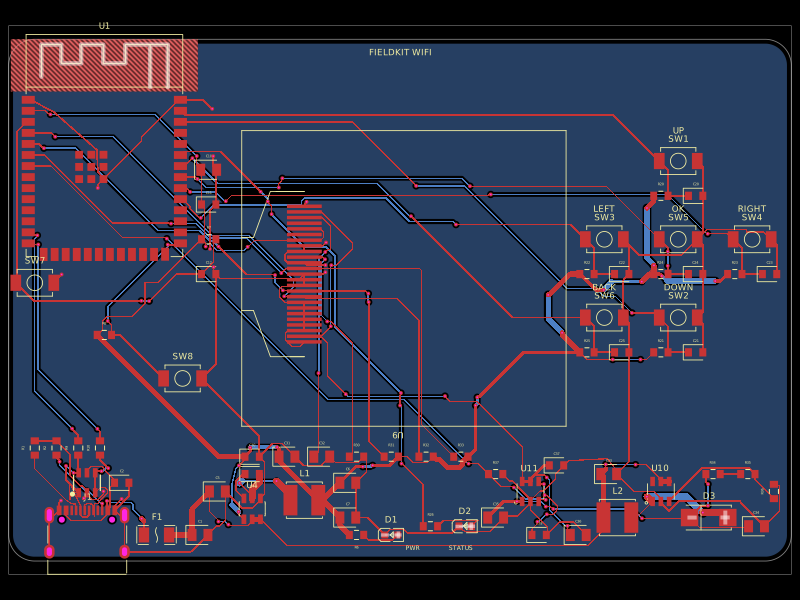 More from this authorgokul/fieldkit-usbUSB-C-powered ESP32-S3 Wi-Fi/Bluetooth handheld with an SMD 128x32 OLED, six navigation buttons, USB-C power/data, complete checked routing, and four native schematic sheets.
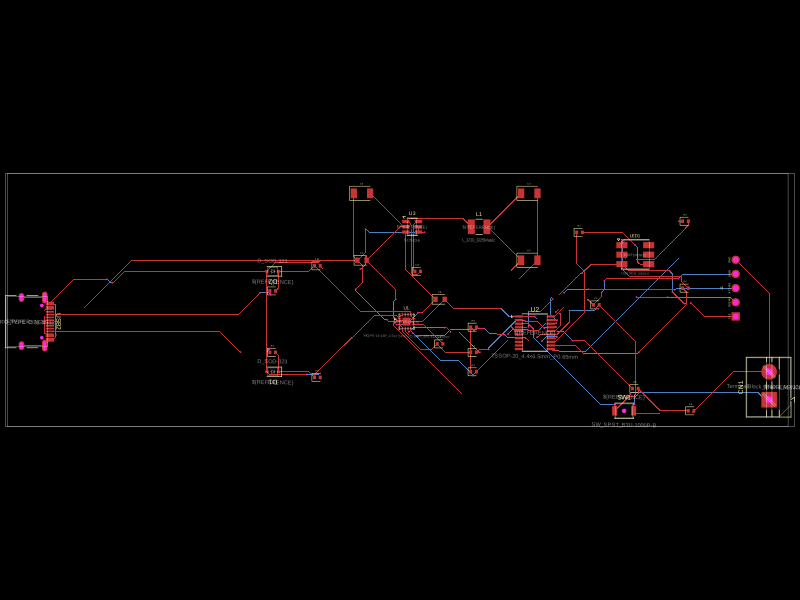 Similar packageaura/diy-power-delivery-triggerThis hardware design implements a USB Type-C port with supporting power management and signal conditioning components, including a USB-C connector, a FUSB302 USB-C port controller, ESD protection diodes, a buck converter for 3.3V power regulation, an STM32 microcontroller for control and processing, an RGB LED indicator, push button, terminal block connections, and associated filtering and support components.
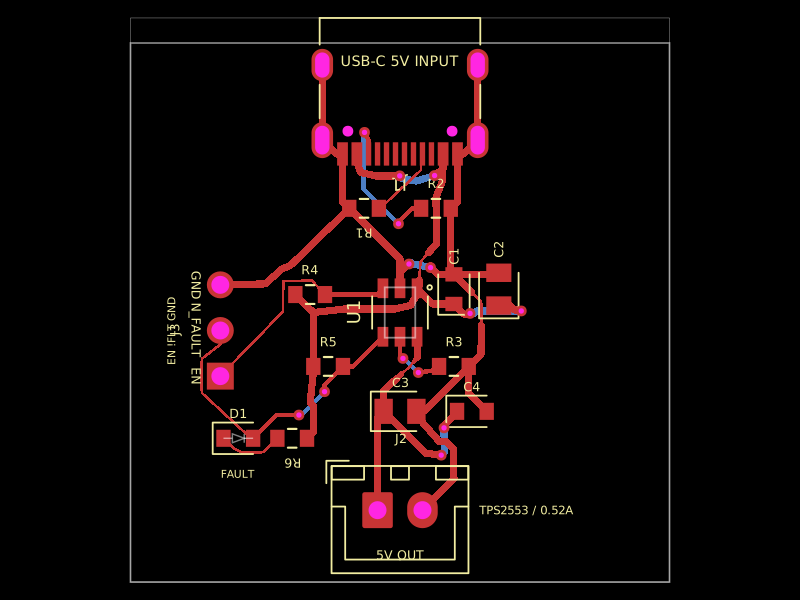 Discover something newkrishnax12/tps2553-usb-power-switchUSB‑C 5V input board with CC pull-downs feeding a TPS2553 current-limited power switch, filtered 5V output connector, external enable control, and red overcurrent/fault LED indicator.