abse/gameboy-advance
A tscircuit package created by abse.
- Version
- 0.0.45
- License
- unset
- Stars
- 0
web/README.md
# Browser play lab

Run the handheld's C game sources in a browser using WebAssembly. Doom uses
**the same engine translation units** selected by the native CMake target;
`src/doom_web.c` replaces only the board's DoomGeneric platform adapter.
No RP2350 CPU emulation or MicroPython is involved. An ARM UF2 cannot be loaded
here: build the game source once for each target.

## Build and run

Install the official [Emscripten SDK](https://emscripten.org/docs/getting_started/downloads.html).
The tested version is **4.0.23**:

```sh
./emsdk install 4.0.23
./emsdk activate 4.0.23
source ./emsdk_env.sh
# From this repository's root:
python3 web/build.py
python3 -m http.server 8765 --bind 127.0.0.1 --directory web/dist
```

Open http://127.0.0.1:8765. `EMCC=/path/to/emcc python3 web/build.py` also works.
`web/dist` is a static site: deploy its contents to any HTTP(S) static host.
Use HTTP(S), not `file://`, because the worker loads JS and WASM assets.
No cross-origin isolation headers or server backend are required.

Every page load opens directly on game selection. Choose **Star Test** for an
asset-free game or **Doom** for the original shareware episode from the Doom-Utils
archive. **Advanced controls → Open WAD** loads a local Doom/Doom II IWAD.
The grid icon returns to game selection; controls and advanced options stay collapsed.
WADs are neither committed nor included in the build artifact. Local files are
copied into the worker's in-memory filesystem and are not uploaded.
The optional shareware fetch contacts GitHub. Gameplay is local after assets
load; the interface uses system fonts and has no external UI dependencies.

### Controls and saves

Click the canvas to capture keyboard controls. Arrow keys move/turn, Z or Enter
is A, X is B, Shift runs, C changes weapon, Q/E strafe, Escape opens the game menu,
and Tab toggles the map. On-screen buttons support multiple touch pointers.
Leaving the tab pauses the virtual game clock and releases held keys; Resume
continues without a wall-clock catch-up. Restart creates a fresh WASM worker.

Doom saves use the same virtual `/games/doom` directory as the SD layout.
Use Doom's Save Game menu and the browser's save-name field, then **Export saves** to download the files as JSON.
**Import saves** stages those files for the next launch/restart. This is explicit
export/import, not automatic persistence: closing or restarting the tab loses
unexported saves. Exported bundles exclude WAD data. The engine remains silent,
as in the current native firmware.

### What the preview tests

- Real engine gameplay, collision, controls, game menus and software rendering.
- The actual 320×200 indexed framebuffer and palette, scaled to 480×320.
- A 35 Hz presentation target. The counter measures received presentations.
- Optional three-field preview: one set of alternating LCD rows per update,
  with RGB666 channel quantization. It approximates the accepted display mode.

It does **not** validate SPI/PIO signaling, DMA, SD latency, PSRAM throughput,
power, gamma, tearing synchronization, or the handheld's achievable frame rate.
The browser has a larger runtime heap; Doom's own zone stays at the firmware's
6 MB setting. The preview is for gameplay iteration; test final builds on board.

## Make a new game

Start with [`games/star-test/game.c`](../games/star-test/game.c) and
[`game_platform.h`](../games/platform/game_platform.h). The same `game.c` builds
unchanged for the browser and RP2350. Keep state and rules in the game source:

```c
void game_init(void);  // Reset all game state.
void game_tick(void); // One simulation step, fixed at 35 Hz.
```

Call `platform_buttons()` for the handheld's 12-button bitmask and
`platform_present(pixels, palette)` for a 320×200 indexed frame with 256
`0x00RRGGBB` palette entries. Platform hosts handle timing and output. Avoid
Pico, DOM, or Emscripten APIs in game code. Use fixed-tick logic, explicit RNG
seeds and bounded memory so behavior remains portable.

To add a second generated game, copy the example directory, add a build entry
in `web/build.py`, add its module name to the worker's allowlist and a library
button in the page, and add a matching native target. The example currently
embeds its assets; a generic SD asset API and dynamically loading new native
executables from SD are **not implemented** by this starter. Doom's WADs are
data files read by its already-compiled engine.

### Build the native example

With the same Pico SDK/toolchain used for the console:

```sh
cmake -S firmware/game-console -B build-native -G Ninja \
  -DPICO_SDK_PATH=/path/to/pico-sdk -DPICO_BOARD=pico2 -DBUILD_GAME_EXAMPLE=ON
cmake --build build-native --target star_test
```

This produces `star_test.uf2` using the existing board driver and three-field
presentation. It is a separate firmware target, not another menu entry in the
Doom launcher. The web work does not flash or change the running board.

## Verification

```sh
node web/smoke-test.cjs
node web/smoke-test.cjs /path/to/doom1.wad
```

These run the actual WASM adapter with scripted handheld buttons and check 140
rendered frames, ongoing image changes and pacing. Browser checks additionally
cover UI wiring, real keyboard/touch controls, loading, and pause/resume.

Doom and its derived adapter are GPL-2.0-or-later; see the vendored engine's
license and provenance in `firmware/game-console`. When distributing the WASM
build, supply the corresponding source and license as well. The build copies
license/provenance into `dist`; distribute a matching source archive alongside
it. The portable starter and browser host added here are GPL-2.0-or-later too.

## Vercel deployment

Production: https://tscircuitboy-advance.vercel.app

The `tscircuitboy-advance` project in the **tscircuit** Vercel team is connected
to `tscircuit/tscircuitboy-advance`. Pushes to `main` deploy production; other
branches and pull requests get Vercel previews. No deployment token needs to
be stored in this repository or GitHub Actions.

The repository-root `vercel.json` selects `web/dist` and runs
`web/vercel-build.sh`. That script installs pinned Emscripten 4.0.23, builds the
shared C sources, runs the WASM smoke test, and includes `source.tar.gz` with
the published assets. PCB dependencies are not installed for the web deployment.
The existing GitHub Actions workflow independently checks and packages the web
build. Vercel deploys only after its own build and smoke test succeed.
Related Packages
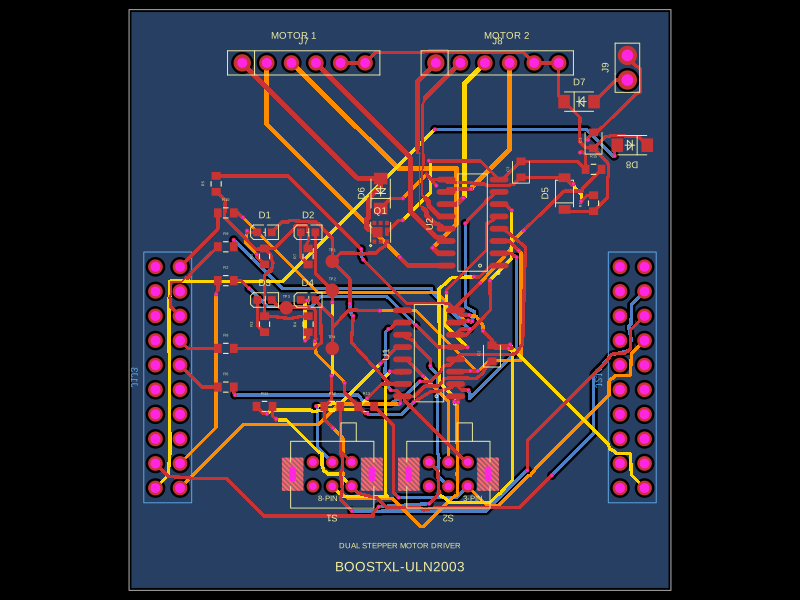 More from this authorabse/boostxl-uln2003This code defines a React component that models a through-hole or surface-mount LED with specified pin labels, footprint, silkscreen, and 3D CAD model for PCB layout.
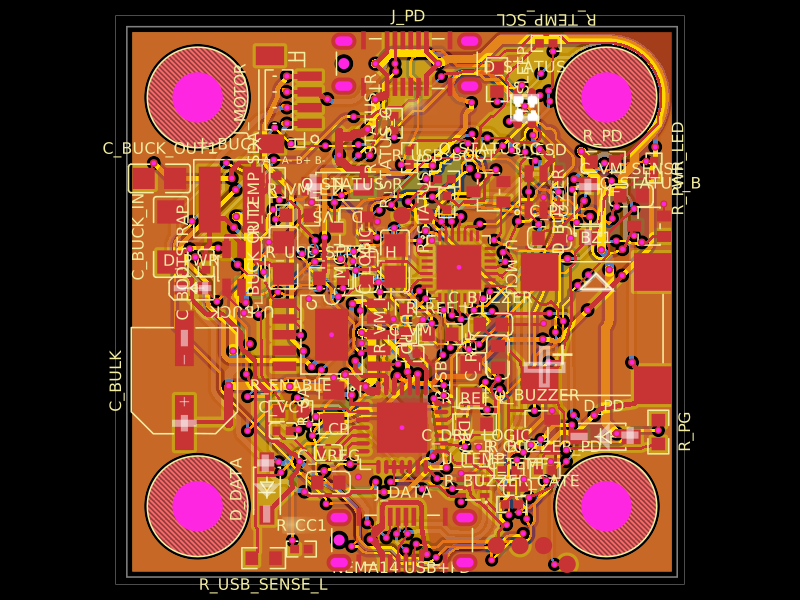 Discover something newAnasSarkiz/NEMA14_CH32X035G8U6A NEMA stepper motor is shown with proposed M3 screws/spacers, four wired motor leads and splices, and a JST SHR-04V-S connector.