abse/gameboy-advance
A tscircuit package created by abse.
- Version
- 0.0.45
- License
- unset
- Stars
- 0
firmware/game-console/README.md
> Compatibility: this program currently targets the published SPI PCB. The local R24 parallel revision uses a different LCD, Select and audio pin map; see `../lcd-parallel-test/README.md` before porting or flashing.

# Full-screen RGB666 scanline fields

This firmware uses three interleaved sets of physical scanlines at full 480×320 coverage. The user tested it on the device and confirmed: “Smoother and acceptable.”

Each new Doom game tick updates one set of rows (y modulo 3). Three compact SRAM snapshots retain exactly the rows belonging to each set. Per-row changed spans reduce transfer size; outgoing RGB666 DMA spans are rounded outward to four-byte alignment. CPU remains at 150 MHz and PIO pixel clock remains at 50 MHz. There is no color dithering.

The E1M1 automated run measured 29–35 completed field updates/sec during later movement/firing windows (an earlier mixed stationary/movement window was 24.18). These are **field updates, not complete frames**: an individual row receives new motion roughly 10–12 times/sec at those rates. The telemetry name `display_fps_x100` is inherited and counts these completed nonempty fields in this build. Combing, softened moving edges and staggered palette flashes are possible. The user accepted this motion tradeoff.

The webcam showed full-screen output without the earlier blanking. A separate two-field trial reached roughly 22–26 updates/sec; raising that trial to 60 MHz showed noise and was rejected. The first external-RAM-history prototype slowed rendering and was replaced with these compact SRAM field histories.

`tests/test_adaptive_scan.py` compiles the actual field planner and dispatcher with a simulated LCD: 40 cases exercise full/sparse changes, palette changes, resize, complete convergence after three fields, scanline ownership and DMA alignment. Flash readback verification passed. `performance.log` records the run.

The prior progressive firmware remains available at commit `764f883`; the separate LCD test remains in `../lcd-test`. The working device has this accepted scanline-field build loaded. Earlier source sections below describe the baseline for setup, controls and hardware; the display implementation and rates above supersede baseline claims.

# GBA game selector and Doom — native RP2350 firmware

Version 0.3 is the native C/C++ firmware for the `abse/gameboy-advance` v0.0.39 board.
No MicroPython is used. The separately saved **LCD test** is in `../lcd-test/`.

## Play

1. Boot the board. The **GAME SELECT** screen lists Doom WADs found under `/games` on the microSD card, including one subdirectory level.
2. Use **Up/Down** to select a game; **A** or **Start** opens it.
3. **X** in the launcher switches between **small** (320×240) and **full-screen** (480×320) display modes. Both render the original 320×200 game image. Full-screen is the default.
4. **Y** in the launcher switches between fast (50 MHz, default) and conservative (18.75 MHz) transfer modes; both use RGB666.
5. Doom opens its menu. Use **A** for New Game, episode, and difficulty; **B** goes back.

| Control | During Doom |
|---|---|
| D-pad | Move forward/backward, turn left/right |
| A | Fire; confirm in menus |
| B | Use/open doors; back in menus |
| X | Run |
| Y | Next weapon |
| L / R | Strafe left/right |
| Start | Open/close Doom menu |
| Select | Automap |
| Hold Start + Select for 1.5 seconds | Return to game selector |

This first build is silent: sound and music are disabled. The native Doom engine is stored in MCU flash; game WAD data is loaded from SD. It does not load arbitrary executable game binaries from SD. Additional game engines will require firmware support.

## SD card

The installed test game is the Doom 1.9 shareware episode:

```
/games/doom/doom1.wad
/games/doom/default.cfg
/games/doom/extra.cfg
/games/doom/saves/doom.wad/
```

Only the WAD is needed to start. Configuration and save directories are created as needed. The game selector supports FAT12/16/32 and exFAT through FatFs. It never formats the card. Both legacy SDSC byte-addressed cards and SDHC/SDXC block-addressed cards are supported by this build.

The test WAD is 4,196,020 bytes, MD5 `f0cefca49926d00903cf57551d901abe`, CRC32 `162b696a`. Download source used:
https://raw.githubusercontent.com/Doom-Utils/shareware-collection/master/Doom%201.9/doom1.wad

The WAD is stored on the board's SD card; it is not embedded in the UF2 or included in this source package. Full commercial WADs are not included or tested.

## USB maintenance

`tools/console.py` runs on the host computer with ordinary CPython and `pyserial`. Pillow is needed only for framebuffer capture. This is not MicroPython firmware.

```sh
python3 -m pip install pyserial pillow
python3 tools/console.py status
python3 tools/console.py ls /games/doom
python3 tools/console.py put /path/to/doom1.wad /games/doom/doom1.wad
python3 tools/console.py launch
python3 tools/console.py shot frame.png
python3 tools/console.py menu
python3 tools/console.py colors
python3 tools/console.py resume
python3 tools/console.py rate 20000000
```

Uploads are written to a `.part` file, then verified with a full SD readback CRC32 before being renamed. Existing destination files are not overwritten. `put` is available from the launcher. The remote `key` command is for testing, using a bit mask ordered Up, Down, Left, Right, A, B, X, Y, Select, Start, L, R.

USB selects board serial number `725C4F2D480112C0`; use `--port` for another board. Entering BOOTSEL via serial at 1200 baud works with this firmware. On this host, picotool's vendor-interface forced reset did not reconnect reliably; use the serial reset or physical BOOTSEL instead.

## Build and flash

Tested with Pico SDK 2.3.1, ARM GCC 8.5.0, CMake and Ninja.

```sh
cmake -S . -B build -G Ninja \
  -DPICO_SDK_PATH=/path/to/pico-sdk \
  -DPICO_BOARD=pico2 \
  -DPICO_PLATFORM=rp2350-arm-s \
  -DPICO_TOOLCHAIN_PATH=/path/to/arm-toolchain \
  -DCMAKE_BUILD_TYPE=Release
cmake --build build -j8
```

Enter BOOTSEL and copy `gba-console.uf2` to the RP2350 drive, or use:

```sh
picotool load -v -x gba-console.uf2
```

The Pico 2 target supplies RP2350A/12 MHz clock defaults. All peripheral pins are explicit. CPU clock remains 150 MHz. The 6 MiB Doom zone is in external PSRAM; indexed framebuffers and stacks are in SRAM. Two queued snapshots let core 0 render while core 1 transfers changed 16×8 tiles, merged into rectangles. PIO sends RGB666 pixels using 32-bit DMA with byte swapping and two scanline buffers; command traffic uses hardware SPI at 18.75 MHz.

The current pixel clock is 50 MHz, empirically tested on this unit and above the panel datasheet's nominal serial clock rating. Select conservative speed with Y in the launcher if another unit has corruption. X selects the smaller 320×240 viewport or full 480×320 coverage. Both scale the 320×200 Doom image. There is no coarse color dithering. Complete full-screen RGB666 updates take at least 73.7 ms at 50 MHz; the smaller viewport takes 36.9 ms. Changed-region updates can be faster. No sustained full-screen 35/60 fps claim is made.

Webcam diagnosis corrected an earlier mistaken qualification: RGB565 produced a blank screen even at 18.75 MHz; RGB666 restored the image at the same clock. RGB666 at 75 MHz showed pixel corruption, including with fast slew/8 mA drive. RGB666 PIO at 50 MHz was then checked directly through the live webcam. Earlier RGB565 performance readings measured CPU transfers to a blank display and must not be used as usable frame rates.

## Hardware pins

| Peripheral | GPIO |
|---|---|
| LCD SPI0 SCK / MOSI / MISO | 18 / 19 / 16 |
| LCD CS / D-C / Reset | 10 / 20 / 21 |
| Backlight PWM | 24 |
| SD SPI1 SCK / MOSI / MISO / CS | 26 / 27 / 28 / 29 |
| PSRAM QMI CS1 | 8 |
| Up / Down / Left / Right | 2 / 3 / 4 / 5 |
| A / B / X / Y | 6 / 7 / 12 / 9 |
| Select / Start / L / R | 17 / 11 / 13 / 14 |

## Verification

The UF2 was flash-readback verified. PSRAM detection and reserved-region checks passed; the legacy SDSC card mounted and the WAD readback CRC32 matched. The game loaded E1M1, accepted movement/fire controls, and was checked on the actual LCD using the laptop webcam. See `performance.log` and `validation.json` for the current run.

Host tests: `python3 tests/test_dirty_regions.py` (120 coverage cases) and `python3 tests/test_state_tics.py` (normal/fast/nightmare timing restoration).

The panel uses the ER-TFT035IPS-6 gamma, power, VCOM and frame-rate profile documented in `THIRD_PARTY.md`. The immutable Doom state table lives in flash; a small mutable timing overlay preserves fast/nightmare behavior. Screen-angle entries use bounded 16-bit storage to free SRAM for the second queued frame. Audio is not implemented. The display is not synchronized to TE, so scanout tearing is possible.

Baseline progressive build: measured E1M1 continuous turning: approximately 33 fps in the 320×240 viewport. Full-screen large changes measured 14–17 fps, with smaller local changes reaching 28–34 fps. X in the game selector switches viewport size; full-screen remains the boot default.
Related Packages
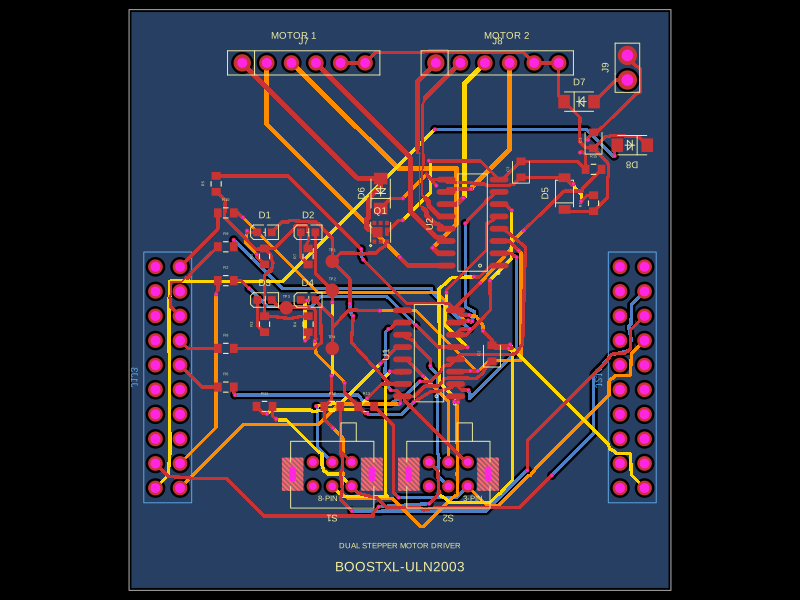 More from this authorabse/boostxl-uln2003This code defines a React component that models a through-hole or surface-mount LED with specified pin labels, footprint, silkscreen, and 3D CAD model for PCB layout.
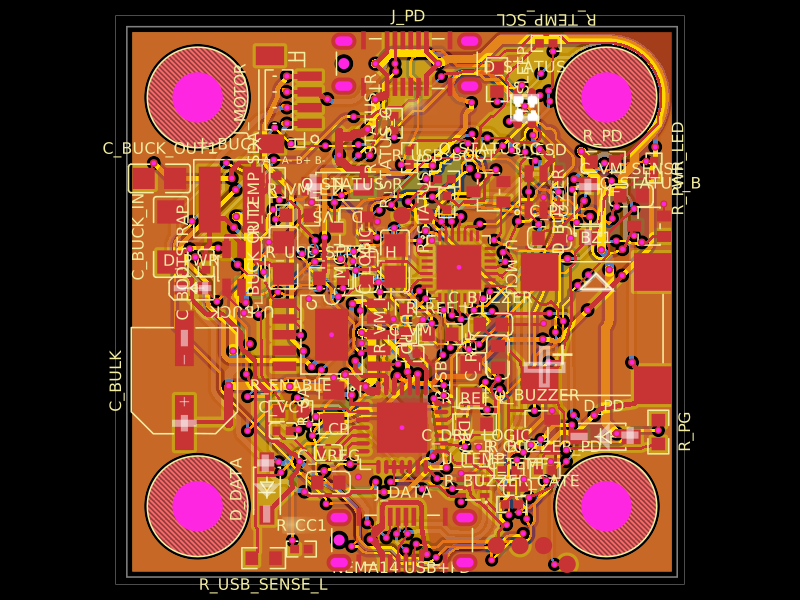 Discover something newAnasSarkiz/NEMA14_CH32X035G8U6A NEMA stepper motor is shown with proposed M3 screws/spacers, four wired motor leads and splices, and a JST SHR-04V-S connector.