ShiboSoftwareDev/pushbutton-led-tutorial
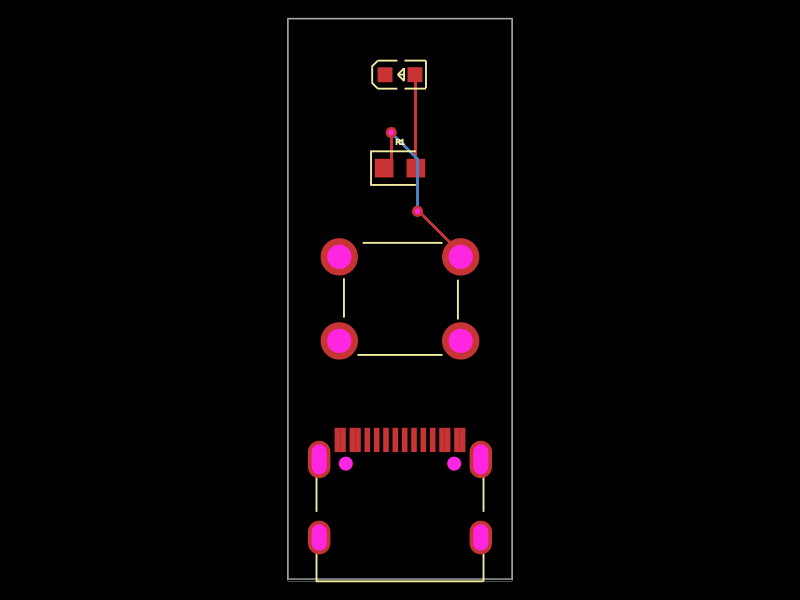
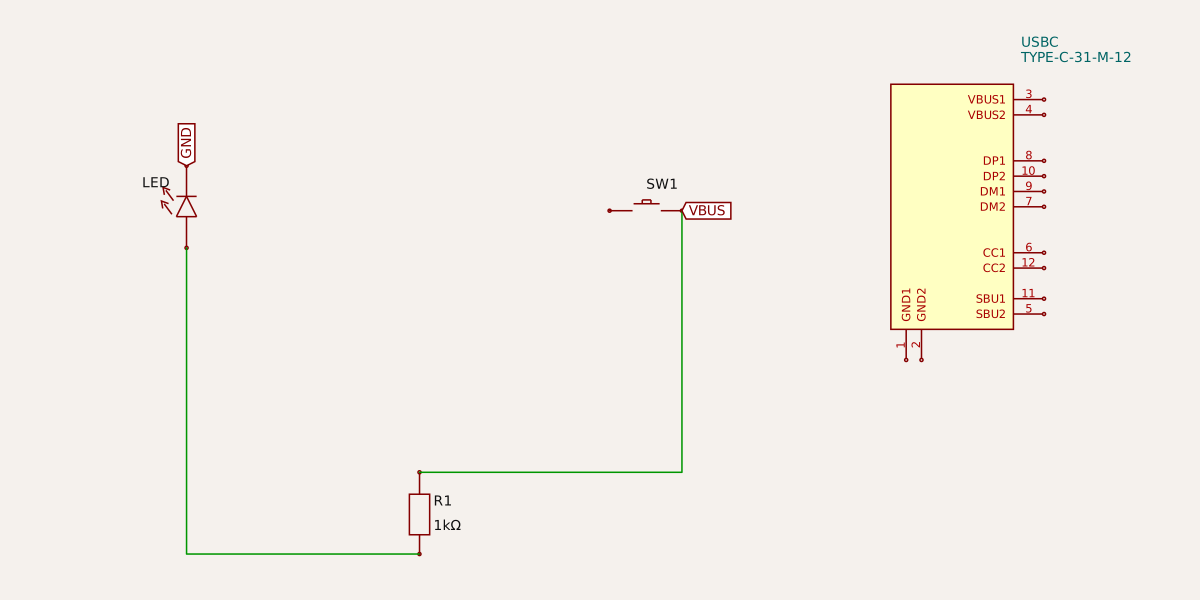
A compact USB-C powered push-button board with a single red LED, featuring a current-limiting resistor for basic interaction and signaling.
Usage: To import and use the "@tsci/ShiboSoftwareDev.pushbutton-led-tutorial" package: 1. Import the package in your tscircuit project: ```tsx import PushButtonLedTutorial from "@tsci/ShiboSoftwareDev.pushbutton-led-tutorial" ``` 2. Use the component in a board or circuit layout: ```tsx export default () => ( <board> <PushButtonLedTutorial /> </board> ) ``` The component includes a USB-C connector, push button, LED, and a resistor, pre-configured with basic connections and positioning.
- Version
- 0.0.1
- License
- unset
- Stars
- 6
index.ts
PCB
Schematic
import { useRedLed } from "@tsci/seveibar.red-led"
import { usePushButton } from "@tsci/seveibar.push-button"
import { useUsbC } from "@tsci/seveibar.smd-usb-c"

export default () => {
  const USBC = useUsbC("USBC")
  const Button = usePushButton("SW1")
  const Led = useRedLed("LED")
  return (
    <board width="12mm" height="30mm">
      <USBC GND="net.GND" pcbY={-10} VBUS="net.VBUS" />
      <Led neg="net.GND" pcbY={12} schX={-10} schY={0} schRotation={"90deg"}/>
      <Button pcbY={0} pin2=".R1 > .pos" pin3="net.VBUS" schX={-4} schY={0}/>
      <resistor name="R1" footprint="0603" resistance="1k" pcbY={7} schX={-7} schY={-4} schRotation={90} supplierPartNumbers={{
        jlcpcb: ["C22548"]
      }} />
      <trace from=".R1 > .neg" to={Led.pos} />
    </board>
  )
}